GMB Products vs Services: Which Section to Use
Published November 21, 2026
GMB Products vs Services: Which Section to Use

On a Google Business Profile (the listing formerly called Google My Business, or GMB), Services is a list of the work you do, and Products is a showcase of items customers can buy. Service businesses should fill in Services first. Stores that sell physical goods should use Products. Many businesses, such as a salon that also sells retail hair care, need both. Each section tells Google and customers something different, and both are only as useful as your accuracy and upkeep.
If you manage one profile, this article gives you the rule for choosing and a way to set both up. If you manage many locations for clients, it also covers how to keep the work consistent across them.
TL;DR
- Services lists what you do (“Install faucet”, “Repair toilet”). Products shows what you sell, with photos and prices.
- Service-based businesses lead with Services. Retailers lead with Products. Mixed businesses use both.
- Neither section replaces your primary category, reviews and consistent business details, which are the foundation of Maps visibility.
- Automatic in-store product uploads exist for eligible US stores, but they need a verified profile, a physical store and barcode data.
- Keep names plain, prices honest and both sections current. A stale menu costs you calls.
Table of Contents
- What the Services section does
- What the Products section does
- Products vs Services at a glance
- Which one does your business need?
- Do products and services affect Google Maps rankings?
- How to set up Services and Products well
- Common mistakes
- Worked example: a plumbing company with a retail counter
- For agencies managing many profiles
- Let us handle the profile work
- FAQ
- Sources
What the Services section does
The Services section is where you list the jobs you perform. Google’s help page on managing services explains that businesses in certain categories, such as service businesses, may be able to showcase their offerings directly on the profile.
Google suggests services based on your business type. For a plumber, the suggestions include examples like “Install faucet” and “Repair toilet.” You are not limited to the suggestions: you can add custom services and group them into categories, which helps when your work does not fit the standard list.

A customer scanning your profile on a phone sees this as a quick answer to one question: do you do the thing I need? A roofer who lists “Roof leak repair”, “Gutter replacement” and “Storm damage inspection” answers that in seconds. A roofer with an empty section makes the customer guess or call a competitor whose list is clear.
Who should use Services
- Plumbers, electricians, HVAC and other home service companies
- Dentists, chiropractors, salons and other appointment-based providers
- Lawyers, accountants and consultants
- Cleaners, movers, landscapers and other service area businesses that travel to the customer
If your customers hire you rather than pick something off a shelf, Services is your main section. Service area businesses in particular benefit, because they often have no storefront to show. Our guide to how to rank a service area business covers that situation in more depth, and the walkthrough on adding Google Business Profile services shows the process step by step.
What the Products section does
Products is built for items a customer can buy. It works like a small storefront window on your profile: image-led entries with a name, a short description and often a price.
For stores, Google also supports showing in-store items directly in results. In-store products can appear on Search, Maps and the Shopping tab, so nearby shoppers can see what a store sells and whether it is available.
Automatic in-store product uploads
If you run a retail store, there is a way to avoid typing every item by hand. According to Google, eligible stores can sync inventory through the Local Inventory app with compatible point-of-sale (POS) systems, or use inventory sources from delivery partners such as Instacart, DoorDash and Uber Eats.
The feature has requirements. Automatic uploads are free to eligible merchants in the United States (and a few other countries), but they require:
- A verified Business Profile
- A physical store
- A wired barcode scanner or a compatible POS system
- Manufacturer UPC or EAN barcodes on the items
- An eligible business vertical
If a service company does not meet those conditions, that is normal. The automatic route is designed for stores with scannable inventory. Everyone else can still use the manual Products section to feature a few key offers.
Who should use Products
- Retail shops, boutiques and hardware stores
- Restaurants and bakeries with distinct menu items or packages
- Florists, gift shops and specialty food sellers
- Service companies with a fixed, packaged offer, such as a tune-up special or an inspection bundle
That last group is where owners get confused, so the next section sorts it out.
Products vs Services at a glance
| Services | Products | |
|---|---|---|
| What it lists | Work you perform | Items or packages customers buy |
| Typical entry | “Water heater repair” | “Tankless water heater install package” |
| Best for | Service and appointment businesses | Retailers, food businesses, packaged offers |
| Format | Grouped list with optional descriptions and prices | Image-led cards with name, description and price |
| Automatic upload | No | Yes, for eligible in-store retail with barcodes |
| Core question answered | “Do you do what I need?” | “What can I buy, and what does it cost?” |
Which one does your business need?
Use this quick decision rule.
- You perform work for customers. Fill in Services completely. This is your priority.
- You sell physical goods. Fill in Products, and check whether the automatic in-store upload applies to you.
- You do both. Use Services for the work and Products for the goods. A salon lists “Balayage” and “Haircut” as services and a shampoo line as products.
- You are a service business with a defined package. Keep the broad capability in Services and consider a Products entry only for a fixed-price offer a customer can picture buying, such as a “Furnace safety inspection.”
One caution applies to every case: do not list the same thing in both places with different wording or conflicting prices. Customers notice inconsistency, and it creates extra cleanup when a price changes.
Do products and services affect Google Maps rankings?
This is the question most owners really have, and it deserves a straight answer. Google’s help pages describe these sections as ways to show customers what you offer. They do not describe them as ranking levers, and we do not promise that filling them in will move you up the map.
What we can say from experience with local profiles is where the weight sits. Your primary category, your review count and quality, your proximity to the searcher and the consistency of your business details across the web are the foundations. Products and Services complete the profile, and a complete, accurate profile converts the visitors you already earn into calls, direction requests and bookings.
That is why we treat them as part of a full profile build, not as a trick. Our guide to optimizing a Google Business Profile for the map pack puts them in order alongside the factors that carry the most weight.

How to set up Services and Products well
Step 1: Start with your real offers
Write down what customers actually ask for on the phone. Those are your service names. Pull your five best sellers if you have products. Skip aspirational items you do not want to be hired for.
Here is where doing it by hand gets slow: a multi-location business or an agency with dozens of clients has to repeat this for every profile and keep it current. Local SEO Bot optimizes the Google Business Profile as part of the subscription, so that routine is not left to your calendar.
Step 2: Use Google’s suggestions, then add custom entries
Start with the suggested services for your category, since they match how Google organizes the business type. Then add custom services for anything missing, and group related ones into categories. For ideas on structure, see how to add custom services, categories, descriptions and prices in a way customers can scan quickly.
Step 3: Name things the way customers search
Plain names beat clever ones. “Emergency drain cleaning” is better than “Flow Rescue Package.” Keep each description to a sentence or two that states what is included and who it is for.
Step 4: Add prices only when you can stand behind them
A price is useful when it is real. If your work is quoted case by case, say so in the description instead of publishing a number that causes arguments later. If you do list a price, update it when your rates change.
Step 5: Add photos to products
Products are image-led. Use clear, well-lit photos of the actual item or finished work, not stock images. Even a service company running a packaged offer gains from one honest photo.
Step 6: Make sure your listings agree
Your profile is one of many places that describe your business. Directories, your website and social pages should tell the same story. Our checklist for integrating listings with your Google Business Profile walks through it. Behind the software, our team builds premium citations by hand on high-authority directories, so the signals Google sees line up with the profile.
Step 7: Review and refresh on a schedule
Set a quarterly check. Remove services you no longer offer, add seasonal ones and confirm prices. Posting regularly to the profile keeps it active too, and Local SEO Bot publishes regular posts for you.
Common mistakes
- Leaving Services empty because the category has few suggestions. Add custom entries.
- Skipping Products on a service profile where a clear packaged offer would help.
- Duplicating entries across both sections with different prices.
- Using keyword-stuffed names that read like spam. Customers read these.
- Forgetting upkeep. Out-of-date prices and discontinued items damage trust faster than gaps do.
- Assuming automatic uploads are for everyone. They need a physical store, a verified profile and barcoded inventory.
Worked example: a plumbing company with a retail counter
Say a plumber in Phoenix runs one profile with a small parts counter.
- Services: “Faucet installation”, “Toilet repair”, “Water heater replacement”, “Drain cleaning”, each with a one-line description and grouped under Repairs and Installations.
- Products: a “Whole-home water filter install” package with a photo and a starting-price note, plus two popular fixtures from the counter.
A customer searching for a leaking toilet sees the repair service immediately. A homeowner shopping for a filter sees a purchasable package. Neither section duplicates the other, and the profile feels complete.
For agencies managing many profiles
If you resell local SEO, the products and services setup is one of the repeatable tasks that eat the hours: collect the client’s offers, enter them, check them each quarter and report on the result. Local SEO Bot offers white-label options and an agency dashboard for managing client locations, along with monthly SEO reporting and rank tracking across the service area using map grid scans. The Pro plan is listed on our agency pricing page.
Our perspective on products and services
Owners ask us whether Products or Services is the “right” section. The better question is whether the profile gives a customer enough to choose you in the few seconds they spend on it.
Most SEO tools hand you a report that says a section is incomplete and leave the work with you. We built Local SEO Bot to do the work: it optimizes the profile, publishes regular posts, tracks rankings across your service area with map grid scans and replies to reviews. Behind the software, our team manually builds premium citations on high-authority directories.
We would rather you see the whole picture than chase one section. A tidy Services list matters. So do reviews, categories, consistent listings and steady activity. When all of it is handled together, the profile is easier for customers to trust and for Google to understand.
Devyn H
Let us handle the profile work
If you would rather not maintain these sections yourself, Local SEO Bot does the profile optimization, posting, review replies and rank tracking for each location. Plans are billed per location: Foundation is $99 per month, Growth is $199 per month and Pro is $399 per month. We back it with a 30-day money-back guarantee if you do not see a ranking increase.
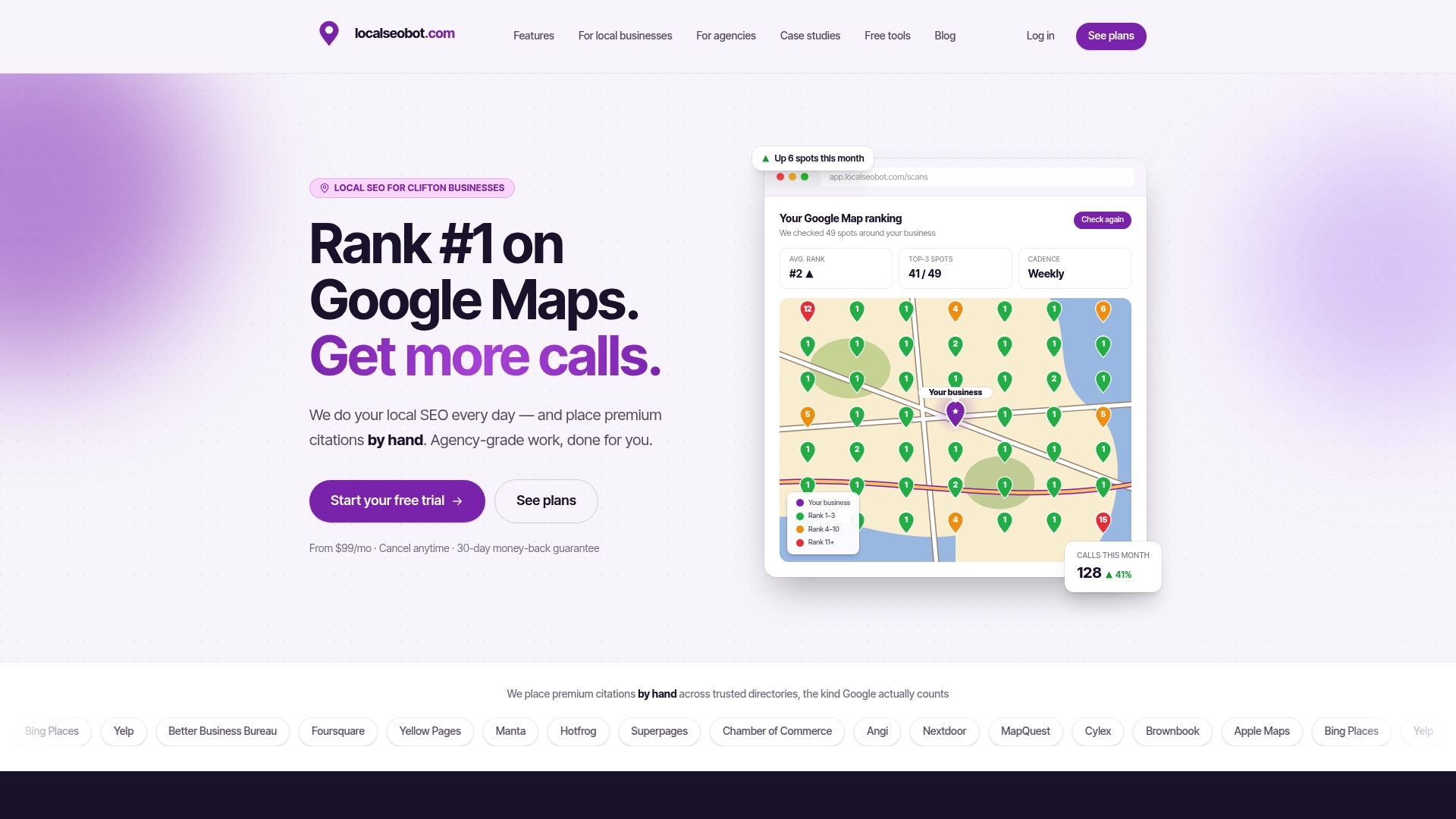
See the plans on our pricing page, or start with the Google Business Profile audit to see where your profile stands.
FAQ
Can a service business use the Products section?
Yes. Many do, especially when they sell a packaged, fixed-scope offer such as an inspection or a tune-up. Keep the broader list of work in Services and use Products only for items a customer can picture buying.
Do I have to fill in both sections?
No. Fill in the one that matches how you earn money first. Service businesses start with Services, and retailers start with Products. Add the second when you have something real to put in it.
Can I upload my in-store inventory automatically?
Eligible stores in the United States can. Google requires a verified profile, a physical store, a wired barcode scanner or compatible POS, manufacturer UPC or EAN barcodes and an eligible vertical. Google’s guide to in-store products lists the details.
Can I add my own services if Google’s suggestions do not fit?
Yes. Google lets you add custom services and group them into categories. Use plain wording that matches how customers describe the job.
Sources
- Manage your services on your Business Profile, Google Business Profile Help
- Showcase in-store products on Google Search & Maps, Google Business Profile Help