When to Ask for Reviews: The Right Timing for Local Businesses
Published November 17, 2026
When to Ask for Reviews: The Right Timing for Local Businesses

Ask for a review once the customer has felt the result of your work, usually within a day or two of a finished job, and sooner only when the customer tells you they are happy. Asking at the very second of checkout feels natural, but research suggests it can lower the number of reviews you collect. A steady, automatic routine beats remembering to ask. That is why we built review requests into Local SEO Bot instead of leaving them to a to-do list.
This guide gives you the timing rules by type of business, a simple follow-up schedule, the moments that work best, and the Google and FTC limits to stay inside.
TL;DR
- For most local services, send the first request 24 to 48 hours after the job is done, when the customer has seen the result but still remembers the details.
- Ask on the spot only when a customer volunteers praise. Otherwise a request sent too fast can backfire.
- Follow up once or twice, spaced several days apart, then stop.
- Ask every customer, never only the happy ones, and never offer a reward for a review.
- Make it one tap: send your direct Google review link by text or email.
Table of Contents
- Why timing changes how many reviews you get
- The best time to ask, by type of business
- The moments that work best
- A follow-up schedule that does not annoy anyone
- What to say: keep it short and specific
- Rules you must follow when asking
- Build a routine you can keep
- Our perspective
- Put your review requests on autopilot
- FAQ
- Sources
Why timing changes how many reviews you get
Most owners assume the best moment is right after the transaction, while the customer is standing in front of you. The evidence is more nuanced. Two field experiments from Baylor University researchers tested reminders at different stages. Early reminders slightly reduced review posting, from 7.78% to 7.31%, while late reminders raised it from 1.32% to 2.16%, a 63.6% increase. The same research found quick reminders were especially counterproductive for experience-based purchases and for younger consumers.

The researchers’ explanation is simple. A request that arrives before the customer has formed an opinion can feel pushy, and customers dislike feeling pressured. A request that arrives after they have had time to judge the experience feels like a reasonable ask. The effect is not huge in either direction, which is the useful part: you do not need clever tricks. You need to avoid asking too early and to ask consistently.
Two other things matter more than the exact hour:
- Does the customer have an opinion yet? A roof repair is judged when it rains. A haircut is judged in the mirror.
- Is the request easy to act on? A direct link to your Google review form removes most of the friction.
The best time to ask, by type of business
The right delay depends on how fast the customer can say “this worked.” Use this as a starting point and adjust to your own results.
| Business type | Suggested first request | Why |
|---|---|---|
| One-visit services (plumber, electrician, cleaner, detailer) | 24 to 48 hours after the visit ends | The result is visible and the details are still fresh |
| Appointments (dentist, salon, chiropractor) | Same day evening to the next day | The experience is complete and memorable |
| Projects (remodeling, landscaping, roofing) | After the final walkthrough, or once the customer has lived with the result for a few days | The outcome matters more than the visit |
| Ongoing services (lawn care, pest control, accounting) | At a meaningful milestone, such as a completed phase or a renewed contract | There is no single end point |
| Restaurants and cafés | Within a day, by receipt QR code or follow-up message | The meal is the whole experience |
| Physical products | A few days to two weeks after delivery | The buyer needs time to use the item |
These ranges line up with what several marketing practitioners publish: around 24 to 48 hours after the customer has received the full value of a service, and for one-time jobs the clock starts when the technician leaves or the appointment ends. For product sellers, the principle is the same: the buyer must have used the thing. A guide on how online reviews affect e-commerce sales makes the same point about waiting until the buyer has had time to evaluate the purchase.
Delivered is not the same as experienced
Finishing your part of the job does not mean the customer has felt the benefit. If your work needs a few days to prove itself, such as a repaired AC unit that has to get through a heat wave, wait for that proof. A customer who has already seen the result work is a safer bet, and their review will be specific and confident rather than vague.
The moments that work best
Beyond the clock, certain moments make a request feel welcome instead of intrusive.
- When the customer praises you unprompted. If someone says “you saved my weekend,” that is an invitation. Answer warmly, then say you would be grateful if they shared it on Google, and send the link while the sentiment is fresh.
- When you finish a job and the customer inspects it. A final walkthrough where they nod and smile is a natural point to mention that you will send a short link.
- When a milestone is reached. For ongoing work, a completed project phase, a renewal or a first successful result is a good trigger.
- After you resolve a problem. A customer whose issue you fixed quickly is often your most loyal advocate. Make sure the problem is truly resolved first, then ask as you would with anyone else.
- When a customer messages you thanks. A thank-you text or email is already a warm channel. Reply and add the link.
Avoid asking in the middle of a job, while an invoice is in dispute, or when the customer is clearly rushed.
A follow-up schedule that does not annoy anyone
Most customers who intend to review simply forget. One gentle reminder helps. More than that starts to feel like nagging. A practical schedule:
- Day 1 or 2: a short, personal request with the direct review link. Text works well for mobile-first customers and email for longer projects.
- Day 4 or 5: one reminder, written differently from the first. Thank them again and make the link the only action.
- Day 9 or 10 (optional): a final, brief note through the other channel, then stop.
This three-step cadence is one that practitioners commonly recommend, and the Baylor findings back the idea that a delayed reminder tends to work better than an instant one. Stop the sequence the moment the customer posts a review or replies that they would rather not.
Pick the channel that fits the customer
- Text message: high visibility and quick to act on, but it needs customer consent. Our guide to compliant SMS review requests covers the details.
- Email: suits projects, B2B work and customers who prefer paper trails. See our walkthrough of review request emails that follow FTC guidance.
- In person with a QR code: works at counters, on receipts and on invoices. A QR code is only as good as the link behind it, so build it from your Google review link.
The time of day matters less than the delay since the job. Many owners get the best response by sending in the evening, when customers are on their phones and not at work, and it costs nothing to test that against your own numbers.
What to say: keep it short and specific
A good request is two or three sentences: thank them by name, mention the specific job, say a review helps neighbors find you, and give one link. If you want ready-to-use wording, start with our Google review template or the more casual “leave us a Google review” template.
Example for a plumber:
Hi Maria, thanks for having us out yesterday to fix the water heater. If you were happy with the work, a quick Google review would help other neighbors find us. Here is the link: [your link]. Thanks again, Dave.
One thing to know: a new review may not appear on your profile instantly, so do not worry if a customer says they posted it and you cannot see it yet. We explain why in do Google reviews post immediately.
Rules you must follow when asking
Timing is the easy part. Staying within the rules protects your profile and your reputation.
Asking is allowed. Google’s own guidance tells businesses they can remind customers to leave reviews by sharing a Google link or QR code.
Rewards are not. Google states that offering incentives such as free or discounted goods or services in exchange for posting, changing or removing a review is strictly prohibited. That includes “discount if you leave five stars.” Thank customers without paying them.
Fake reviews are illegal at the federal level. In August 2024 the Federal Trade Commission announced a final rule that prohibits the sale or purchase of fake reviews and testimonials and lets the agency seek civil penalties against knowing violators. Never write reviews for your own business or ask staff and friends to do it.
Ask everyone, not only the happy ones. The safest and most credible habit is to send the same request to every customer after a completed job. If a customer is upset, fix the problem first. Reviews should come from genuine experiences, and a consistent routine means you never have to guess who will say what.
For laws specific to your state or industry, such as regulated professions, check with your attorney or the relevant licensing board.

Build a routine you can keep
Timing advice fails for one reason: busy owners forget. A job ends, the next one starts, and the review request never goes out. The fix is a trigger, not willpower.
- Pick your trigger: job marked complete, appointment closed or invoice paid.
- Set the delay for your business type from the table above.
- Use one saved template and one direct link.
- Schedule a single reminder.
- Reply to every review you receive. A prompt reply shows future customers you are active, and our guide on how to respond to a Google review walks through it, with more depth in Google review replies and SEO.
- Track the result for a month: requests sent, reviews received, average rating. Adjust the delay by a day and compare.
Reviews also feed visibility on the map, so a steady flow is worth more than a burst. If you want to see how your listing performs across your service area, our Google Maps SEO page explains how review activity fits with the other signals.
Our perspective
Most owners we talk to know they should ask for reviews. What stops them is not knowledge, it is consistency. The request gets sent after the first three jobs and then the week gets busy.
That is why we think the right answer to “when should I ask” is “automatically, at the same point in every job.” Local SEO Bot is an AI agent that does the work instead of handing you a report: it generates review requests, replies to the reviews that come in, publishes Google Business Profile posts and tracks your rankings with map grid scans. A dedicated team also builds premium citations by hand on high-authority directories, so the profile those reviews land on has signals Google trusts.
Reviews do their best work when the whole profile is in good shape. A strong rating on a thin, inconsistent listing leaves visibility on the table. A strong rating on a well-optimized, well-cited profile compounds.
Timing is a small lever. Routine is the big one.
Devyn H
Put your review requests on autopilot
If you would rather not manage review timing by hand, Local SEO Bot automates review generation and AI-driven review replies as part of its local SEO platform, alongside Google Business Profile optimization and posting. Plans are billed per location: Foundation is $99 per month, Growth is $199 per month, and Pro is $399 per month on the agency pricing page. We back it with a 30-day money-back guarantee if you do not see a ranking increase.
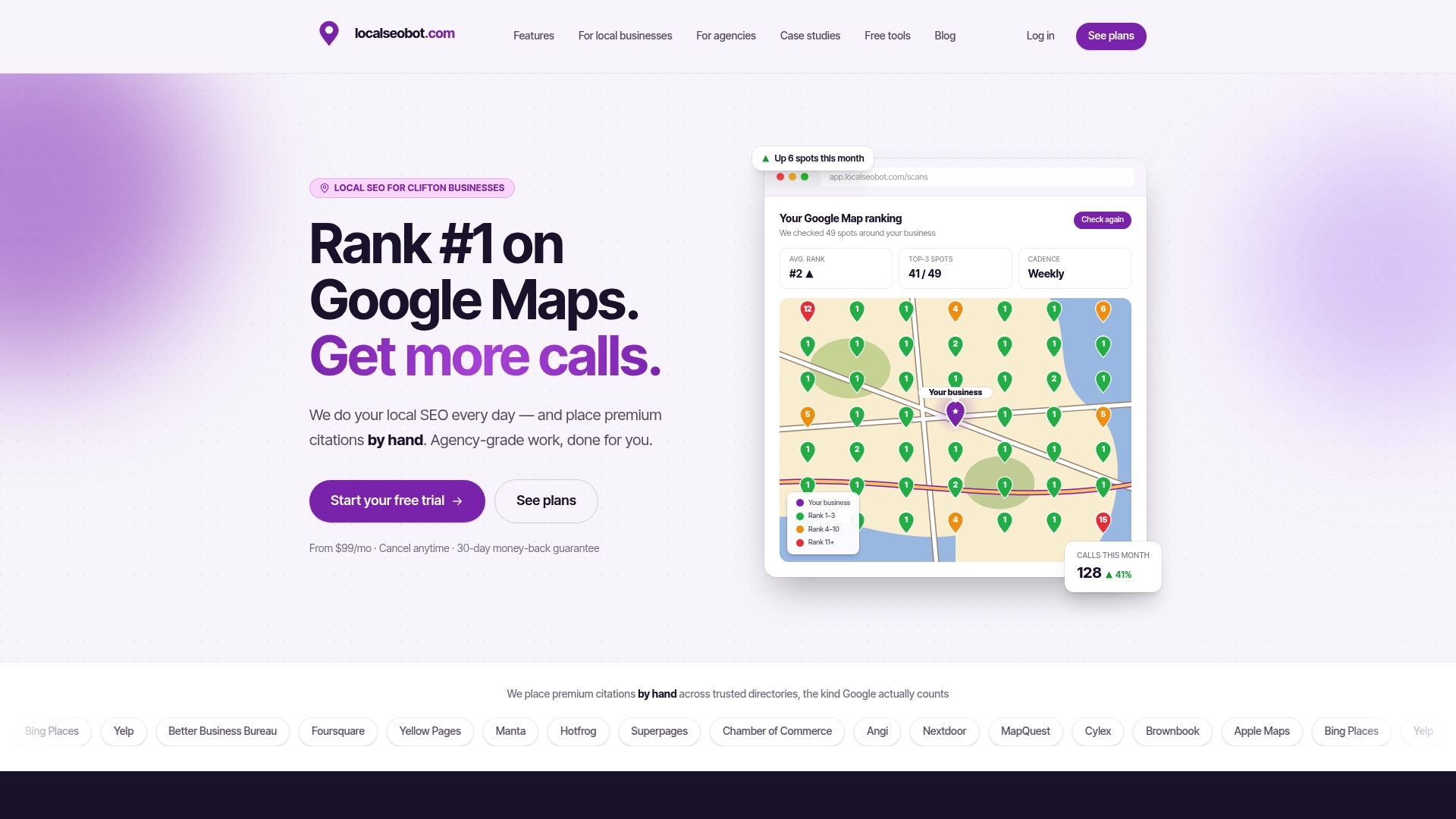
Agencies can run the same tools for client locations through the white-label dashboard.
FAQ
Is it okay to ask customers for Google reviews?
Yes. Google’s guidance says businesses can remind customers to leave reviews, for example by sharing a Google link or QR code. What you cannot do is offer free or discounted goods or services in exchange for a review. Ask every customer in the same way and let them write what they truly think.
What is the best time of day to send a review request?
The delay after the job matters more than the hour. Aim for 24 to 48 hours after a service for most local businesses. Within that window, evenings and non-working hours often suit customers who read messages on their phones, and you can test the difference against your own response rates.
How many times should I remind a customer?
One or two reminders is plenty. A common pattern is a first request after a day or two, a differently worded reminder a few days later, and an optional last note around day 9 or 10. Stop as soon as they post a review or ask not to be contacted.
Should I ask right away if the customer is clearly happy?
Yes. When a customer volunteers praise, that is the exception to waiting. Thank them, mention that a Google review would help, and send the link right then. The delay advice applies to routine requests where you do not yet know how they feel.
How do I make leaving a review easy?
Give them one direct link or a QR code that opens your Google review form. Customers need to be signed in to a Google account to post, so keep the message short and the link first. You can create yours with our Google review link generator.
Sources
- Wait Just a Minute: When to Ask for Online Reviews, Baylor Keller Center (2024)
- Tips to get more reviews, Google Business Profile Help
- FTC final rule banning fake reviews and testimonials, August 14, 2024
- When and How to Ask for Reviews: Timing, Channels, and Follow-Up (May 2026)
- Leveraging Online Reviews to Boost E-Commerce Sales