GBP Insights Metrics: What Each One Means and How to Use It
Published November 18, 2026
GBP Insights Metrics: What Each One Means and How to Use It

GBP insights metrics are the numbers Google shows you in the Performance report of your Business Profile: how many people viewed your listing, what they searched to find it, and which actions they took (calls, direction requests, website clicks, messages and bookings). Read together, they tell you whether your Google Maps visibility is growing and whether that visibility turns into customers. Read alone, they can mislead you, because they show what happened on your profile and not where you rank on the map. This guide explains each metric, where it comes from, where it misleads, and how to pair it with ranking data so you know what to fix next.
TL;DR
- GBP insights (now called Performance) cover views, searches, and actions such as calls, directions, website clicks, messages and booking clicks, for verified profiles only.
- Compare the same date range each month and the same month last year, so seasonality does not fool you.
- If views fall first, you have a visibility problem. If views hold but actions fall, the problem is the profile itself: photos, reviews, hours, offers.
- Insights do not show where you rank street by street. A map grid scan fills that gap.
- We built Local SEO Bot to act on these signals for you: profile optimization, posts, review replies, citations and rank tracking.
Table of Contents
- What GBP stands for and where insights live
- The core GBP insights metrics, one by one
- What the numbers do not tell you
- How GBP insights differ from Analytics and Search Console
- A monthly routine for reading your insights
- Turning insights into rankings and calls
- Using insights across many locations
- Our view on insights
- Put the metrics to work
- FAQ
- Sources
What GBP stands for and where insights live
GBP stands for Google Business Profile, the free listing that appears for your business in Google Search and Google Maps. It was formerly called Google My Business, and it lets you manage your address, hours, phone number, website, photos and services.
The data is in the Performance report. Google’s help page says performance data is available only for verified profiles, and you must be signed in to the Google Account tied to the profile. To open it, search for your business name on Google while signed in, select Performance, choose a date range and apply it. In the Google Maps app, go to Business, then Performance, then See more.
The report covers views, searches and actions from both organic results and Google Ads, and you can look at one profile or several. If you manage more than one location, that matters: you can compare sites rather than guessing.
The core GBP insights metrics, one by one
Here is what each metric counts, based on Google’s own definitions.
| Metric | What it counts | What to watch |
|---|---|---|
| Views | Views of your Business Profile in Search and Maps | Only profile views, not every view of your business on Google |
| Searches | The search terms people used to find your profile | Updates monthly, with a delay |
| Calls | Taps on the call button on your profile | Needs a phone number on the profile |
| Directions | Requests for directions to your business | Google adjusts the count for repeat taps, cancellations and spam |
| Website clicks | Clicks on your website link | Pair with your site analytics |
| Messages | Separate conversations started through messaging | Only if messaging is on |
| Booking clicks | Clicks on a booking link | Depends on the booking setup |
The definitions for views, directions, calls, website clicks and messages come from the same Google help page.
Views: your visibility gauge
Views tell you how often your profile appeared in front of people and was seen. They are the closest thing in the report to a measure of visibility. A steady rise usually means more people are finding you in Search and Maps. Google notes that the metric counts views of your Business Profile only, not all views of your business on Google, so do not treat it as total brand reach.
Searches: the words behind the views
The searches list shows the terms people used before your profile appeared. It is the most useful list for a local business because it shows how Google connects you to services. Google says the Searches metric refreshes at the start of each month and can take up to five days to appear, so a gap at the start of the month is normal.
Use it to spot two things: services customers search for that your profile never mentions, and a primary category that does not match how people describe what you do.
Calls, directions and website clicks: the actions that pay
These are the metrics closest to revenue. A plumber cares about calls. A restaurant cares about directions. A law firm cares about website clicks and messages. Decide which one or two actions matter for your business and track those first.

What the numbers do not tell you
Insights are accurate about what happened on the profile, but several details change how you should read them. Search Engine Land’s overview of the report notes that a user is counted once per day per device and platform, that calls capture only taps on the click-to-call button on mobile and not numbers dialed from a desktop screen, and that booking data appears only when bookings run through a Google-supported provider.
That leads to practical rules:
- Treat calls as a floor. Some customers call after reading your number on a screen or from a printed card. Those calls never show up in the report.
- Do not compare raw views to unique people. One person on two devices can count more than once in a day.
- Expect booking numbers to be incomplete if you book through a tool Google does not support.
- Do not expect a ranking. Insights report what happened after your profile appeared. They do not say where you appeared on the map.
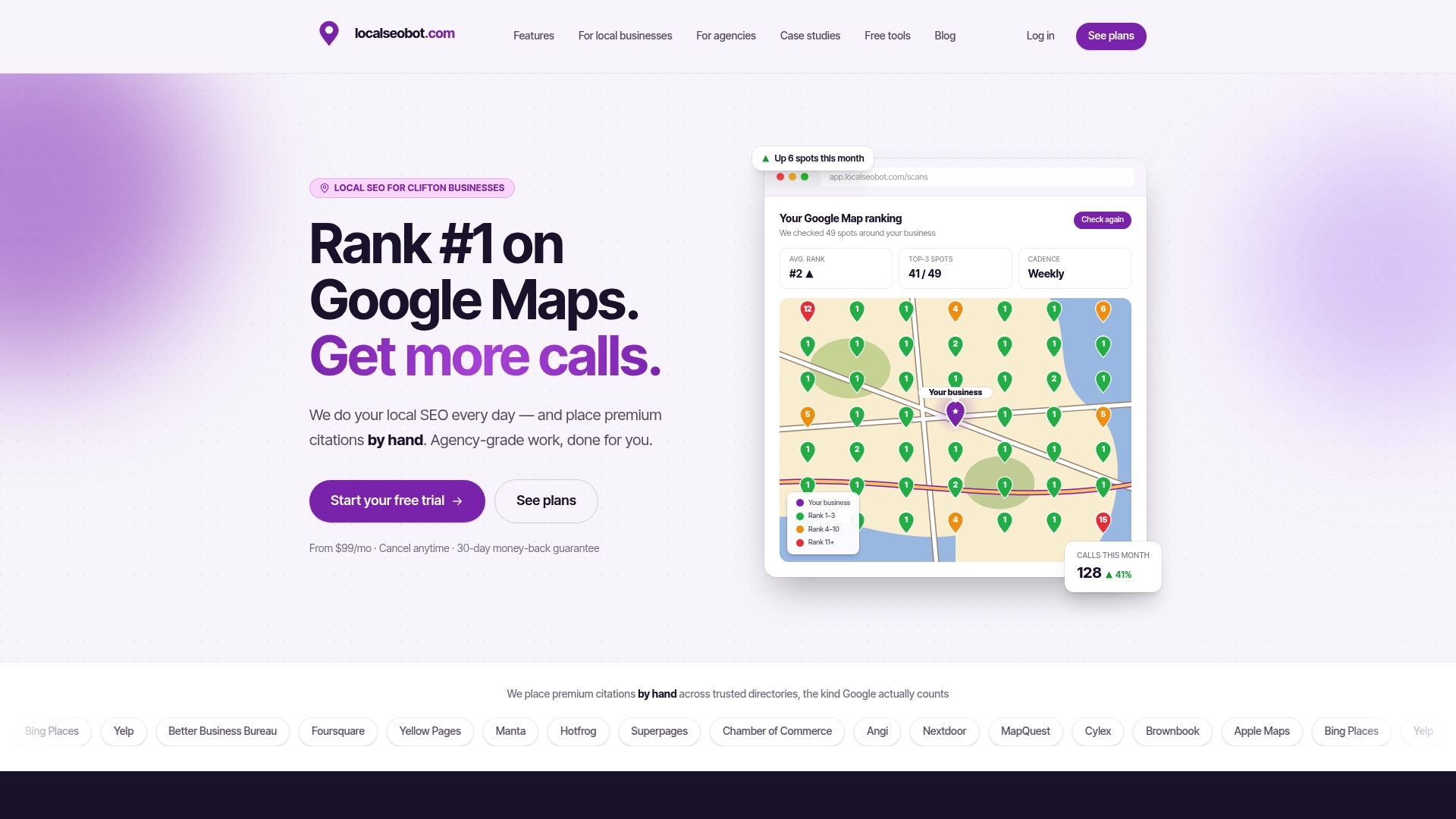
That last point is the biggest gap. A restaurant can show flat views while ranking third in one neighborhood and invisible two miles away. Grid-based rank tracking shows that by checking your position from many points across your service area. Our Google Maps rank tracker runs those map grid scans, so you can see where the views are coming from and where they are not.
How GBP insights differ from Analytics and Search Console
They measure different places. Google Analytics and Search Console describe what happens on your website. GBP insights describe what happens on your Google listing, before anyone reaches your website, and in many cases without them ever visiting it (a call or a direction request never touches your site).
So use them side by side:
- GBP insights: profile views, searches that surfaced the profile, calls, directions, messages, website clicks.
- Search Console: the queries that showed your website pages in organic results and the clicks to them.
- Analytics: what visitors do after they arrive on your site.
A website click in GBP insights should loosely match visits from your Google Business Profile in your analytics. If you tag your profile website link with campaign parameters, you can separate those visits from regular organic traffic. Do not expect exact matches, because the tools count differently.
A monthly routine for reading your insights
A short routine beats an occasional deep dive. Here is one that takes about 20 minutes.
- Export the same date range every month. Use full calendar months so months line up.
- Compare with the same month last year. A landscaper in January and a landscaper in June are not comparable. Year-over-year comparison removes season.
- Find the metric that moved first. Views, then actions, then searches.
- Match the pattern to a cause using the table below.
- Change one or two things, not ten, and recheck next month.
One practitioner guide suggests a simple split: if views hold while calls and clicks fall, check photos, recent reviews and hours; if views fall first, the problem is visibility, and the search terms list can show missing services or a mismatched primary category.
| What you see | Likely area | What to do |
|---|---|---|
| Views down, actions down | Visibility | Check the primary category, services list, recent posts, citations and map rankings |
| Views steady, actions down | Conversion | Refresh photos, answer reviews, confirm hours and phone number |
| Views up, actions flat | Relevance | Check which search terms bring views; add the services people want |
| Calls up, directions down | Intent shift | Check seasonality, then your hours and address details |
| One location down, others steady | Local issue | Look at that location’s reviews, photos and rankings separately |
For diagnosing why visibility moves, this overview of interpreting changes in local visibility and engagement gives more background on how the pieces connect.
A worked example
Say a HVAC company sees 4,200 profile views in October, against 4,150 the previous October. Views are flat. But calls drop from 190 to 140. Visibility did not change, so the fault is not ranking. The company checks the profile and finds that its hours still show a summer schedule, its newest photo is 14 months old, and its last three reviews have no reply. Those are conversion problems. After fixing them, calls are the number to watch next month, not views.
Now flip it: views fall from 4,200 to 3,000 while the conversion rate holds. That is a visibility problem. The searches list shows no mention of a service line the company added in spring, so the company adds it to the services list, posts about it, and checks its rankings with a grid scan.

Turning insights into rankings and calls
Insights tell you which area to work on. Rankings come from doing the work. The levers that most local owners control are:
- Profile completeness. Primary category, secondary categories, services, hours, attributes and description. Our Google Business Profile optimizer is built for this task.
- Fresh activity. Regular posts and new photos. See our guide to optimizing photos for your Business Profile.
- Reviews and replies. Steady new reviews and prompt answers, which also affect whether a viewer acts.
- Citations. Consistent business details on trusted directories.
- Measurement. Grid scans to see where you rank, not just how many views you got.
If you want a deeper walkthrough of the report itself, we cover it in how to analyze Google Business Profile insights and what the insights show and how to use them. To see where your profile stands before you act, our Google Business Profile audit is the place to start.
Using insights across many locations
Google’s help page states that you can view performance for individual or multiple profiles, and Google’s Performance API lets developers fetch daily and monthly metrics such as impressions, clicks, calls, direction requests and search keyword impressions. For an agency, the practical lesson is to build one reporting format and use it for every client:
- The same date range for every location, every month.
- Year-over-year comparison for each location.
- Calls, directions and website clicks next to a ranking view, so clients see cause and effect.
- A short note on what you changed and what you will change next.
We offer white-label and agency dashboard capabilities for exactly this: managing and reselling local SEO automation across client locations, with monthly SEO reporting. The Pro plan is listed on our agency pricing page.
Our view on insights
Most owners we talk to open the Performance tab, see a number go up or down, and then do nothing, because the report tells them what happened and not what to do. Most SEO tools work the same way: they hand over a report and leave the work to you.
We built Local SEO Bot around a different idea. An AI agent does the work itself: it optimizes the Business Profile, publishes regular posts, responds to reviews and tracks rankings across your service area with map grid scans. Behind the AI, our team manually builds premium citations on high-authority directories, so the business gets signals Google trusts.
Insights are the scoreboard. Rankings, reviews, posts and citations are the game. A small business owner should not need an agency to play it, and an agency should be able to run it for many clients under its own brand.
Devyn H
Put the metrics to work
If you would rather not do the monthly work by hand, Local SEO Bot does it on autopilot: Business Profile optimization, regular posts, review replies, map grid rank tracking and hand-built citations. Plans are billed per location per month: Foundation at $99 per month and Growth at $199 per month, per month on the agency pricing page. We back it with a 30-day money-back guarantee if you do not see a ranking increase.
See the full list of local SEO software features to match the plan to your locations.
FAQ
Why are my GBP insights lower than last month?
Compare with the same month last year first, since seasonality often explains a dip. If views fell, look at visibility: categories, services and rankings. If views held but calls and clicks fell, check photos, reviews and hours. Also remember that the searches data can take up to five days into the month to appear.
Do GBP insights show my Google Maps ranking?
No. They show views and actions, not your position for a given search at a given spot. To see rankings across your service area, use a map grid scan, which checks your position from many points around the business.
Why are there fewer calls in insights than my phone shows?
The calls metric counts taps on the call button of your profile, mainly from mobile. Calls from people who dialed your number from a screen, a card or your website do not appear. Treat the figure as a minimum.
Can I see GBP insights for several locations?
Yes. Google’s Performance report lets you view individual or multiple profiles, as long as they are verified and linked to your Google Account. Agencies can also pull daily and monthly metrics through Google’s Performance API.
Sources
- Understand your Business Profile performance & insights, Google Business Profile Help
- Business Profile: Definition, Google Ads Help
- Google Business Profile performance insights: What you need to know, Search Engine Land
- Package google.mybusiness.performance.v1, Google for Developers
- Google Business Profile Insights: 2026 Guide, Digifeel