GBP Services Setup: How to Set Up Your Profile Right
Published November 12, 2026
GBP Services Setup: How to Set Up Your Profile Right

Setting up a Google Business Profile (GBP) is free and takes an afternoon, but the details you enter on day one decide whether the profile gets verified, stays live and has a fair shot at showing up on Google Maps. You can do it yourself by following the steps below, or hand the ongoing work to software or a service. Either way, you need to know what a correct setup looks like.
This guide walks through eligibility, the setup steps, address and service-area rules, categories, verification, what to do about a suspension, and what to keep doing after launch.
TL;DR
- Creating a Google Business Profile costs nothing, and you only need a Google Account and a business that meets Google’s eligibility rules.
- Enter an accurate address or service area, pick the fewest categories that describe your core business, and never use a P.O. box or virtual office as your address.
- Verification can be done by video, and Google’s review can take up to 5 business days.
- A suspension is usually fixable: review the guidelines, correct the problem, then appeal.
- Setup is the start. Fresh posts, accurate details and review replies keep the profile working.
Table of Contents
- What a Google Business Profile is, and what replaced Google My Business
- Check eligibility before you start
- Set up your profile step by step
- Address, service area and categories
- Verification: how to get through it
- If your profile is suspended
- Keep the profile working after setup
- DIY, a service or software: which setup route fits
- Our perspective
- Getting help with the ongoing work
- FAQ
- Sources
What a Google Business Profile is, and what replaced Google My Business
A Business Profile is the free listing that lets you manage how your business appears across Google Search and Maps, so nearby customers can find you. It was formerly called Google My Business.
The rename happened on November 4, 2021, when Google also recommended that small businesses manage their profiles directly in Search or Maps. The old web experience was repositioned for larger multi-location businesses under the name Business Profile Manager. If an older guide tells you to log in to a “Google My Business dashboard,” it is describing a retired workflow.
Business Profiles also replaced Google Places for Business, Google Listings and Google+ Business Pages, so you may see those names in old documentation too.
Check eligibility before you start
Not every business qualifies, and finding out after you have filled in everything is a waste of time. Under Google’s eligibility and ownership guidelines, a business must make in-person contact with customers during its stated hours. That covers a storefront, an office where you meet clients, and a service business that travels to customers.
The same guidelines list businesses that are not eligible, including:
- Rental or for-sale properties
- Lead generation agents
- Brands and online-only businesses
- Businesses whose address is a P.O. box or a mailbox in a remote location
Do you need an LLC?
The eligibility guidelines turn on whether you serve customers in person, not on what legal entity you operate as. A sole proprietor with a real service business and a real way to meet customers is judged on the same footing as an incorporated company. If you are unsure about the legal structure for tax or liability reasons, that is a question for an accountant or attorney, not for Google.
Set up your profile step by step
Creating a profile is free, and you manage it from Google Search and Maps at no cost. Here is the sequence we recommend.
- Get a Google Account ready. You need a Google Account to sign up. It can use a Gmail address or any other email address. Use one the business owns, not a personal login that an employee or contractor controls.
- Search for your business name. Look on Google Maps first. If a listing already exists, claim it instead of creating a duplicate.
- Enter the exact business name. Use the name customers see on your sign, invoices and website. Do not add keywords or taglines.
- Choose your primary category. More on this below.
- Add your address or service area. Pick the model that matches how you serve customers.
- Add phone number and website. Match them exactly to your site and other listings.
- Set your hours. Hours need to reflect when you actually make contact with customers.
- Verify the profile. Follow the method Google offers for your business.
- Complete the rest. Add services, a description, photos, attributes and your first post.
If you want a longer walkthrough, our guide on how to set up a Google Business Profile in 10 steps covers the same ground in more detail.
Address, service area and categories
This is where most setup problems start, because the rules differ for storefronts and service-area businesses.
Storefront businesses
If customers come to you, enter the street address where you meet them. Google’s guidelines for representing your business say your address and/or service area must be accurate and precise.
A virtual office or P.O. box is not acceptable as an address. A co-working space can work only if it has street-level signage, receives customers and is staffed by your business during business hours.
Service-area businesses
Plumbers, cleaners, mobile groomers and similar businesses that travel to customers follow a different model. Per Google’s guidelines, a service-area business should have one profile for its central office, a designated service area and a hidden address. A virtual office is allowed only if it is staffed during business hours.

A practical way to set the service area: list the cities or ZIP codes you genuinely serve on a normal week, not every town within a long drive. An overstated service area does not help you and invites questions during verification.
Categories
Google’s guidance is to choose the fewest categories it takes to describe your overall core business, specific to and representative of your main line of work. Choose the most precise primary category, such as “Emergency plumber” rather than a broad one if that is your core. Add secondary categories only for services that are truly a significant part of the business.
Services, products and attributes
Once the profile is live, add your individual services with short descriptions, and any products you sell. Attributes (such as wheelchair accessibility or online appointments) help customers decide quickly. Our guide on adding services to your profile safely goes through how to do this without triggering a review.
Verification: how to get through it
Google offers several verification methods depending on the business and the situation. Video verification is the one that trips people up, so prepare for it.
A video review can take up to 5 business days. Search Engine Land’s setup guide lists what the recording should show.
For a storefront business, the video should feature the location, official street and number signs, neighboring businesses, nearby landmarks, the storefront and proof that you are an authorized representative.
For a service-area business, it should include signs in the service area that advertise the business or street signs and landmarks near it, footage proving the business exists such as branded vehicles or equipment, and business documents such as invoices or bills with the name on the profile.
Before you record:
- Walk the route once without filming so you know what to capture.
- Keep the recording continuous, with no cuts.
- Make sure the name on signs, vehicles and documents matches the profile name exactly.
- Have your documents in hand before you start, not after.
If your profile is suspended
A suspension feels alarming, but the path is straightforward. If a profile is suspended or disabled, review Google’s guidelines and submit an appeal through the Business Profile appeals tool. Review times are typically three to five days.
The usual causes trace back to setup choices, so check these first:
- A business name stuffed with keywords or a location
- A virtual office, mailbox or P.O. box used as the address
- A service-area business showing a home address publicly
- A business type that is ineligible, such as a lead generation listing
- Duplicate profiles for the same location
Fix the underlying issue before you appeal, and keep your evidence ready: a photo of the signage, a business license, a utility bill or an invoice with the right name. Appealing without correcting the problem is the most common reason a second request fails.
Keep the profile working after setup
A profile that was set up well and then left alone slowly drifts out of date. Google’s own agency best practices recommend keeping business information up to date and accurate, highlighting promotions with Posts and replying to both positive and negative reviews. Extension researchers at Oklahoma State make a similar point: keeping information current means customers get consistent, reliable details about you.
A simple monthly routine looks like this:
- Check hours, especially around holidays.
- Publish one or two posts about offers, projects or news.
- Add fresh photos of real work, staff or the location.
- Reply to every new review, good or bad.
- Look at how you rank in the areas you serve, not just at your own address.
Reviews are the part owners most often let slide. If you want a framework for handling them, this guide on how to manage your online reputation is a practical place to start, and our reviews management page shows how we approach replies.
The profile also feeds more than Maps. Yext notes that Business Profile data is now used by Google’s AI features, including Gemini answers and AI Overviews, which is one more reason to keep it complete and accurate.
Two features have gone away, so do not plan around them. Google discontinued Business Profile chat and call history in July 2024, and websites built through Business Profiles were sunset later that year. If you relied on the free profile website, make sure you have a real site to link to.
DIY, a service or software: which setup route fits
There are three realistic routes.
| Route | Best for | What you do | What to expect |
|---|---|---|---|
| Do it yourself | One location, owner with a few free hours | Follow the steps above and keep up a monthly routine | No cost beyond your time |
| One-off setup service | Owners who want the profile created once | Hand over business details and verification materials | Setup only, ongoing work stays with you |
| Ongoing software or managed work | Busy owners and agencies with many locations | Approve settings, review reports | Posting, review replies and tracking handled continuously |
A one-time setup service solves the first week. The harder problem is month three, when the posts stopped and nobody replied to the last six reviews. If you want to do this yourself, our DIY local SEO guide lays out the routine. If you already have a profile and want to know what is missing, a Google Business Profile audit gives you a prioritized list.
If you are an agency
Google’s guidance for agencies says to use a single organization account to manage all of your profile groups. An organization account cannot directly own an individual profile. Google also notes that agencies can manage client information in bulk and through the Business Profile API, and should make sure clients can read and reply to customer feedback.
When you evaluate white-label software, check that it fits that model: client-ready reporting under your brand, bulk management across locations, and review handling that leaves clients in the loop.
Our perspective
Most advice about GBP setup ends the moment the profile is verified. That is where the real work begins.
We built Local SEO Bot because owners kept getting a report and a to-do list, then not having the hours to do the list. So the software does the work itself: it optimizes the profile, publishes regular posts, replies to reviews and tracks rankings across your service area with map grid scans. A dedicated team also builds premium citations by hand on high-authority directories, because those are signals Google trusts and they are not something to leave to automation alone.
Our view is simple. Get the setup right once, using the rules above, then let consistent activity compound. Clients regularly report higher Google Maps rankings and more inbound calls, and we back the approach with a 30-day money-back guarantee if a business does not see a ranking increase.
Devyn H
Getting help with the ongoing work
If you would rather not run the routine yourself, Local SEO Bot does it for you. Plans are billed per location, per month: Foundation is $99 per month and Growth is $199 per month. Agencies managing client locations can look at Pro at $399 per month per location, which includes white-label options for agencies.
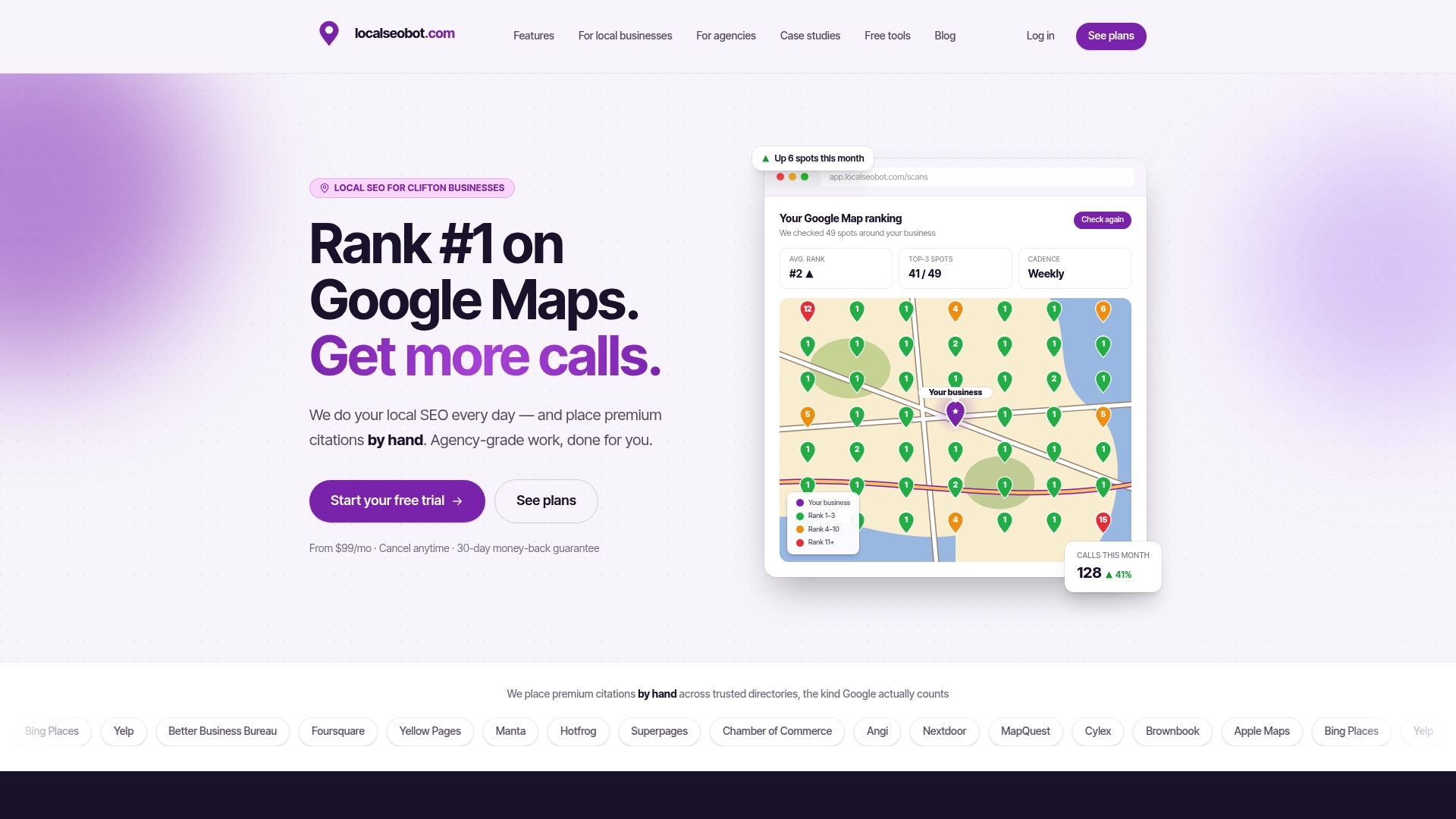
You can also start with the free Google Business Profile Optimizer to see where your profile stands, or read how we handle Google Maps SEO. For listing consistency, our checklist for integrating listings with your profile and our local citation services cover the directory side.
FAQ
How do I set up a Google Business Profile?
Sign in with a Google Account, search for your business on Maps, and claim the listing or create a new one. Enter your exact name, primary category, address or service area, phone, website and hours, then verify. Finish by adding services, photos and a first post.
What replaced Google My Business?
Google renamed it Google Business Profile in November 2021 and moved day-to-day management into Search and Maps. The older web dashboard was reshaped for larger multi-location businesses and renamed Business Profile Manager.
Do I need an LLC to have a Google Business Profile?
Google’s eligibility rules focus on whether your business makes in-person contact with customers during stated hours, not on your legal structure. Questions about forming an LLC for tax or liability reasons are best put to an accountant or attorney.
My Google Business Profile was suspended. How do I fix it?
Read Google’s guidelines, find what likely triggered the suspension, such as a keyword-stuffed name or a virtual office address, and correct it. Then submit an appeal through the Business Profile appeals tool with supporting documents. Reviews typically take three to five days.
Sources
- Business Profile: Definition - Google Ads Help
- Connect with local holiday shoppers - Google
- Your Business Profile questions, answered - Google
- Business eligibility and ownership guidelines - Google
- Get Listed on Google - Google Business Profile
- Get started with Google Business Profile - Google
- Guidelines for representing your business on Google
- How to set up and optimize your Google Business Profile - Search Engine Land
- Verify your business with a video recording - Google
- Google Business Profiles guide for pest management professionals - PPC Online
- Overview for agencies - Google Business Profile Help
- Get found on Google: A Guide to Setting up your Google Business Profile - Oklahoma State Extension
- Google Business Profile | Definition - Yext
- How to manage online reputation: step-by-step guide for SMBs