Local Content Calendar: How to Plan a Month That Works
Published November 9, 2026
Local Content Calendar: How to Plan a Month That Works

A local content calendar is a simple schedule that tells you what you will publish, where, for which customer question and on which date. For a local business it covers three places: your website, your Google Business Profile and your social channels. This guide shows how to build one in an afternoon, what each entry should contain, and how to keep it running when work gets busy.
TL;DR
- A local content calendar maps real customer questions and local topics to specific channels and publish dates.
- Start with 10 to 30 questions from Google autocomplete, People Also Ask, your Business Profile search terms and Search Console.
- Pick a cadence you can sustain. A smaller schedule you keep beats a daily burst you drop.
- Give every entry an owner, a channel, a goal, a date, a status and a final URL.
- Review monthly: keep what brings calls, directions and clicks, and replace what doesn’t.
Table of Contents
- What a local content calendar is and why it matters for Maps
- Step 1: Collect real customer questions
- Step 2: Decide what goes where
- Step 3: Choose a cadence you can keep
- Step 4: Build the calendar itself
- Step 5: Measure and adjust each month
- Common mistakes to avoid
- For agencies: one calendar structure across many clients
- Our perspective
- Let the routine run on autopilot
- FAQ
- Sources
What a local content calendar is and why it matters for Maps
A general content calendar lists posts and dates. A local one adds two constraints: every item should tie to a place (a city, neighborhood or service area) and to a question a nearby customer would actually ask.
That matters because local visibility is built from several surfaces working together. Your Business Profile shows up in Search and Maps, your website answers the longer questions, and social posts keep the business active. A calendar stops these from drifting apart. It also stops the most common failure: a burst of posting in week one, then silence for two months.
The calendar does not replace the fundamentals. Accurate profile information, reviews and consistent business listings still carry the weight. Content gives customers more reasons to choose you once you appear. If you want to check those basics first, our Google Business Profile audit is a good place to begin.

Step 1: Collect real customer questions
Don’t brainstorm in a vacuum. Pull questions from places where customers already show you what they want.
- Google autocomplete and People Also Ask. Type your service plus your city and note the suggestions and related questions.
- Your Business Profile performance report. Google’s performance report lists the search terms people used when your profile appeared. The searches metric updates at the start of each month.
- Search Console queries. These show what your website already appears for, including questions you only half answer.
- Your own inbox and phone. Questions customers ask before booking are the best calendar entries you will ever get.
One practitioner write-up suggests that 10 to 30 questions is enough to start a topic cluster. That is a useful scale: big enough to fill two or three months, small enough to finish in one sitting.
If you want a structured method for turning keywords into a plan, this walkthrough on how to build a content calendar for SEO covers the keyword-to-schedule process. For local-specific ideas, try our local SEO content idea generator, and use the local business keyword planner to check which phrases are worth a page.
Sort what you collect into four buckets:
- Service questions: “How much does a water heater replacement cost?”
- Location questions: “Do you serve the north side of town?”
- Seasonal needs: pre-winter checkups, spring cleanups, tax season, back to school.
- Trust content: reviews, before-and-after jobs, team introductions, licenses.
Step 2: Decide what goes where
Each channel has a different job. Plan accordingly instead of posting the same thing everywhere.
| Channel | Best for | Example entries |
|---|---|---|
| Website | Full answers, service and city pages, proof | Service-area page, cost guide, FAQ page, case study |
| Google Business Profile | Fresh, short signals at the moment of search | Update about a recent job, seasonal offer, event |
| Social media | Personality, community, reach | Short video, team photo, customer shout-out |
| Email or text | Existing customers | Maintenance reminder, seasonal promotion |
For the website, start with the pages that earn calls. Make sure each service-area page loads fast and works on a phone; our guide to mobile local landing pages covers what to check.
For your Business Profile, Google lets you create three post types: Update, Offer and Event. Posts appear in the Updates or Overview tabs on mobile and in the “From the owner” section on desktop. Google also notes that posts with a phone number in the description may be rejected if the number can’t be verified as connected to the business, so use the profile’s button and listed numbers instead.
Step 3: Choose a cadence you can keep
How often should you publish? There is no magic number. One UK marketing agency suggests three to five social posts a week is a sensible target for most local businesses, and that one focused filming session can produce four to six weeks of content. Treat that as a starting range, not a rule.
A workable starting point for a business with no marketing staff:
- Website: one new page or meaningful update per month.
- Google Business Profile: one post per week.
- Social: two to three posts per week, batched.
- Reviews: reply as they arrive, and ask for new ones after each job.
Batching is the trick. Take photos on jobs all month, then write and schedule everything in one session. Scale up only after three months of hitting the plan without strain.
Step 4: Build the calendar itself
A spreadsheet is enough. Each row is one piece of content, and each row should answer the question “what is supposed to happen when?” Agency-focused guidance on calendar design recommends columns for client, topic, content type, purpose, primary keyword, priority, owner, publish date, status, dependencies and final URL. A single-location business can trim that down:
| Date | Channel | Topic or question | Goal | Owner | Status | Live URL |
|---|---|---|---|---|---|---|
| Week 1 | Website | “How much does [service] cost in [city]?” | Calls | Owner | Drafting | |
| Week 1 | Business Profile | Update: recent job in [neighborhood] | Profile views | Office | Scheduled | |
| Week 2 | Social | 30-second video answering a top question | Reach | Tech | Filming | |
| Week 3 | Business Profile | Seasonal offer | Calls | Office | Idea | |
| Week 4 | Website | Case study from a recent job | Trust | Owner | Idea |
A few rules keep the sheet useful:
- One goal per entry. Calls, direction requests, reviews or clicks. If you can’t name one, drop the entry.
- One named owner. “The team” means nobody.
- Record the live URL. It lets you measure each piece later.
- Plan seasonal items 6 to 8 weeks ahead, so they publish before demand peaks.
A sample month for a home service business
Say you run a plumbing company serving three towns. A month might look like this:
- Week 1: Publish a cost guide for water heater replacement on the website. Post a profile update with a photo of a recent install in your busiest town.
- Week 2: Film a short video on how to shut off the main water valve. Share it on social and link it from the profile.
- Week 3: Post a seasonal offer for a pre-winter pipe inspection. Reply to every new review.
- Week 4: Publish a short case study. Post a team photo and a thank-you to a recent customer.
Home service businesses can find more industry-specific ideas in our local SEO for home services resources.
Step 5: Measure and adjust each month
Put a 30-minute review on the calendar itself, on the first of every month.
- Business Profile performance: check interactions and search terms for the previous month. Note which searches grew.
- Website: look at Search Console impressions and clicks for pages you published.
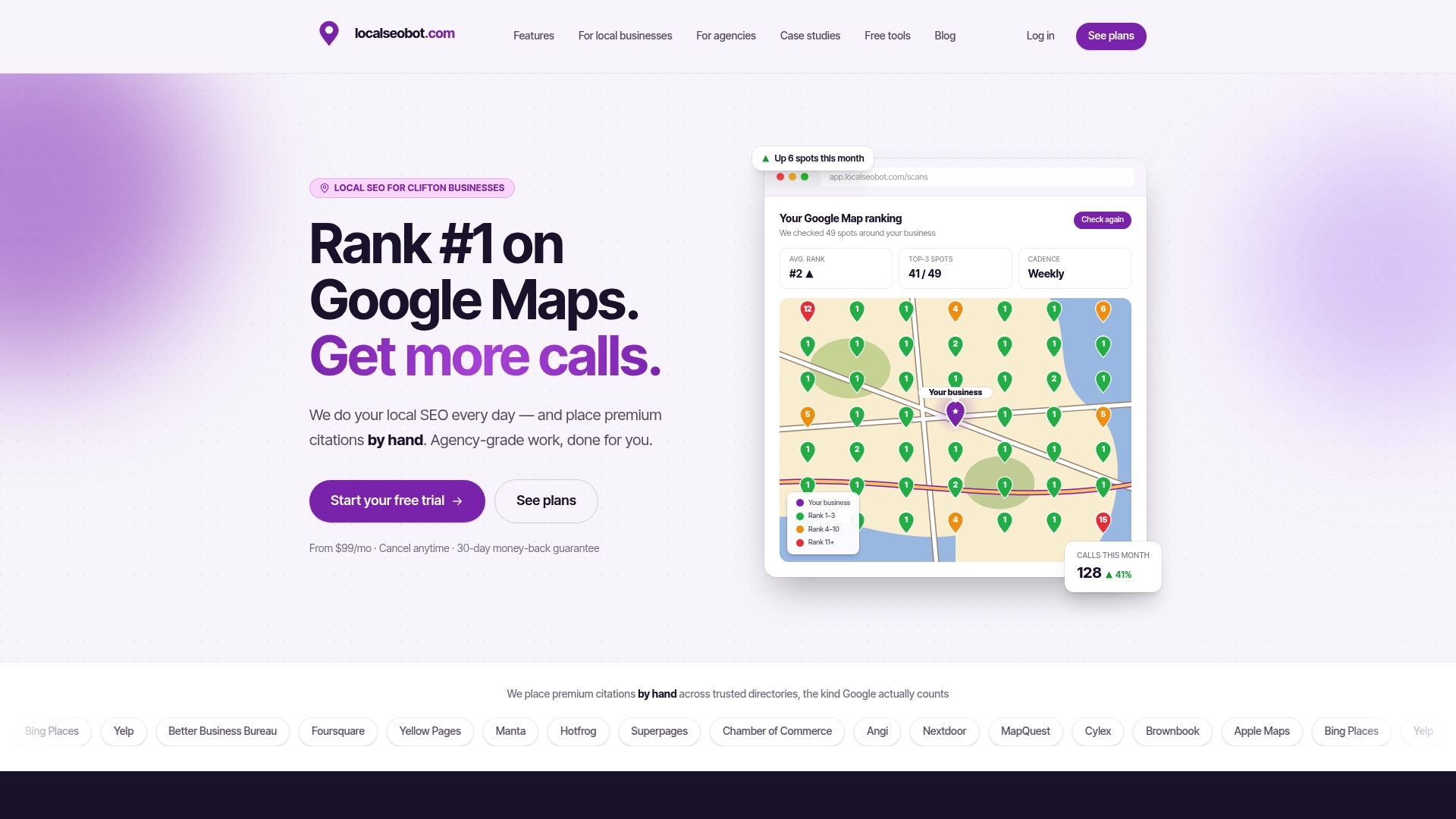
- Rankings: track your position across your service area, not just from your office. A map grid scan shows where you appear in each neighborhood. Our local rank tracker does this.
- Leads: ask new customers how they found you and log the answer.
Then make three decisions: what to repeat, what to cut, and what new question to add. Keep a “done” list too. Updating a page that already performs often beats writing a new one.
Common mistakes to avoid
- Copying a generic template. A template with national holidays and hashtags won’t reflect your service area.
- Planning more than you can produce. Cut the plan in half, then keep it.
- Posting without a destination. Every social post and profile update should point somewhere useful: a page, a booking link or a call button.
- Ignoring reviews. Review replies are content too, and they are visible to every prospect.
- Never revisiting old entries. Seasonal content needs a yearly refresh.
For agencies: one calendar structure across many clients
If you manage several locations, the same logic scales, but you need structure. Use a repeatable workflow for every client. One agency-operations guide describes a fixed pipeline: ideation, brief approved, drafting, internal review, client review, revisions, final approval, scheduled, with a single dashboard showing the status of every piece for every client.
For white-label work, separate the internal and client-facing views of the same calendar. Internal notes cover capacity and risks. The client sees approved topics, timing, status, required approvals and live URLs. One source with two permission levels beats two calendars that drift apart.
Our perspective
Most local businesses don’t fail at content because they lack ideas. They fail because the calendar depends on one busy person remembering to do it.
That’s why we built Local SEO Bot to do the recurring work itself. It optimizes the Google Business Profile, publishes regular posts, responds to reviews and tracks rankings across your service area with map grid scans, all on autopilot. Behind the software, our team manually builds premium citations on high-authority directories, so the signals Google sees are not limited to what you post.
A calendar is only as good as its follow-through. Our view is that the posting, replying and tracking should run without owner effort, so the owner’s time goes to the things only they can do: the work, the photos from the job and the customer relationship.
Devyn H
Let the routine run on autopilot
If you’d rather not maintain the weekly posting and review routine by hand, Local SEO Bot handles it. Plans for businesses start at $99 per month per location on Foundation, with Growth at $199 per month per location. See what each includes on the pricing page. We back it with a 30-day money-back guarantee if you don’t see a ranking increase.
Agencies managing many locations can look at the Pro plan at $399 per month per location, with white-label options, on the agency pricing page.
FAQ
How far ahead should I plan a local content calendar?
Plan one month in detail and one quarter in outline. Seasonal topics should be scheduled six to eight weeks ahead so they go live before demand rises. Revisit the outline at each monthly review.
What should a local business post on its Google Business Profile?
Google offers Update, Offer and Event posts. Use updates for recent jobs and news, offers for seasonal promotions, and events for anything with a date. Photos from real jobs in your service area work well.
Do I need a paid tool to run a content calendar?
No. A shared spreadsheet with date, channel, topic, goal, owner, status and URL columns is enough to start. Add tools when you manage multiple locations or clients and need approvals and reporting in one place.
How do I know if my calendar is working?
Compare the previous month’s Business Profile interactions, search terms, website clicks and incoming calls with the month before. Track map rankings across your service area too. If calls and direction requests rise on the topics you planned, repeat them.
Sources
- Create & manage posts on your Business Profile, Google Business Profile Help
- Understand your Business Profile performance & insights, Google Business Profile Help
- How to build a topic cluster for a local business website, DEV Community
- How Often Should a Local Business Post?, The Sequence
- Content Calendar Template for Agencies, BriefIQ
- A Scalable System for Managing Multiple Client Editorial Calendars, ContentDrive
- Build Content Calendar for SEO Growth: Step-by-Step