Local Keyword Modifiers: How to Use City, Neighborhood and ZIP Terms
Published November 6, 2026
Local Keyword Modifiers: How to Use City, Neighborhood and ZIP Terms

A local keyword modifier is a word that ties a search to a place: a city, a neighborhood, a ZIP code, a landmark or a phrase like “near me.” Add one to a service term (“plumber” becomes “plumber Austin”) and you have told Google where the customer wants help. Use them in the right spots, in the right amounts, and match them to how your customers really search. That is the whole job, and the rest of this guide shows how to do it.
TL;DR
- Local modifiers come in a few types: explicit (city, neighborhood, ZIP code), implicit (“near me,” “nearby”) and branded (business name plus place). Each one fits a different page or profile field.
- When a searcher names a place, Google centers results on that place instead of the searcher’s physical position. Modifiers let you compete in areas beyond your own block.
- Start research with the plain service term, then add places back in. Place the winners in titles, headings, service pages and your Google Business Profile, without stuffing.
- Keywords are one part of Maps visibility. Relevance, distance and prominence all count, so track rankings by location, not just by keyword.
- Measure with geo-grid scans, call and direction data, and Search Console queries.
Table of Contents
- What local keyword modifiers are
- Why a city modifier changes the results
- The types of location modifiers, with examples
- How to find the city modifiers your customers use
- Where to place modifiers without stuffing
- Modifiers are one signal among several
- Perspective: what we see from doing local SEO daily
- How to measure whether your modifiers work
- A worked example
- Doing this on autopilot
- FAQ
- Sources
What local keyword modifiers are
A keyword has a core meaning, like “emergency plumber.” A modifier adds one detail without changing that core. When the detail is geography, you get a local keyword. Search Engine Land’s local keyword guide gives the plain example: “Thai restaurant San Francisco” and “Thai restaurant near me” are local, while “Thai restaurant” alone is not.
Search Engine Land sorts local keywords into five groups:
- Explicit: city names, neighborhood names, ZIP codes.
- Implicit: “near me,” “nearby,” “downtown.”
- Branded local: your business name plus a location.
- Service plus location: the classic “roof repair Tampa” pattern.
- Unmodified, high local intent: terms that trigger local results with no place in the query at all.
That last group matters. Plenty of customers type “dentist” and still see a map pack, because Google infers the place from their device. Modifiers do not replace that traffic. They add a second, separate way for customers to find you.
Why a city modifier changes the results
Search Engine Land’s explainer on explicit versus implicit searches draws the line clearly. An explicit search names a place, like “car accident lawyer Philadelphia.” An implicit search, like “car accident lawyer,” does not.
The practical difference is the center point. With an implicit search, Google leans on where the person is standing. With an explicit one, Google uses the center of the place named in the query as the center of the search area. Distance from the searcher becomes less important, according to the same article.
For a business owner this has two consequences:
- If you are across town from the city center, a city modifier can still put you in front of people searching for that city.
- If you serve several towns, each town name is its own opportunity, because each one produces its own center point.
It also means your rankings are different for every modifier. You may sit first for “HVAC Plano” and ninth for “HVAC Frisco.” Treat each modifier as its own battleground.
The types of location modifiers, with examples
Here is how each type works for a U.S. small business, and where it fits best.
| Modifier type | Example | Best used in |
|---|---|---|
| City | “electrician Denver” | Home page title, service pages, GBP description |
| Neighborhood | “coffee shop SoHo” | Neighborhood landing pages, posts, photo captions |
| ZIP code | “computer repair 10001” | Service area pages, footer address, contact page |
| County or region | “electrical contractor Northern California” | Broader service area copy |
| Landmark | “hotels near Times Square” | Directions page, local posts, FAQ answers |
| Implicit | “urgent care near me” | Natural phrasing in headings and review responses |
| Branded local | “[Your Name] Austin” | Citations, review replies, social profiles |
These examples follow the pattern laid out in this geo modifier overview, which also lists state-level and landmark terms. Pick the type that matches how your customers describe where they are. Someone in a big city thinks in neighborhoods. Someone in a rural county thinks in towns and highway exits.
Order and format variants
Customers write the same modifier several ways: “plumber in Austin,” “Austin plumber,” “plumber 78704.” Google handles these as close relatives, so you do not need a separate page for each. Write the version that reads naturally, and vary phrasing across your headings and body copy.
How to find the city modifiers your customers use
The order of work matters. A longstanding practice, noted by Search Engine Land, is to enter the unlocalized phrase into your keyword tool first, such as “emergency plumber,” and add the city names later when you optimize. If you add a city at the start, you tend to miss the service variations people actually use.
A simple process:
- List your services in customer words. Not “HVAC replacement,” but “new AC unit” and “furnace not working.”
- Run each phrase through a keyword tool and note the volume and related phrases.
- List your real service area. Cities, neighborhoods and ZIP codes where you take jobs or serve walk-in customers.
- Combine the two lists and keep only combinations that make sense. “Water heater repair Mesa” does. “Water heater repair Alaska” does not, unless you work there.
- Check the results page. Search each priority combination. If Google shows a map pack, the term has local intent and your Business Profile matters. If it shows mostly articles, a page on your site matters more.
- Rank by value. Put the services that earn you the most per job first.
If you want a shortcut, our Local Keyword Generator and Local Business Keyword Planner build service-plus-place lists for you. The Local Keyword Research Tool goes a step further for finding phrases in your area.
For background on how query types map to the pages and profiles you control, this local SEO academy lesson on search query types is a good companion read.
Where to place modifiers without stuffing
The goal is to be clear about where you work, not to repeat a city name fifty times. A good rule: if a sentence reads worse because of the modifier, cut it.
On your website
- Title tag and H1 of the home page: one primary city plus your main service.
- Service pages: one page per core service, mentioning the cities you serve in the body and in one or two subheadings.
- Location pages: only for places where you truly operate or serve. Each page needs its own content, such as local jobs, staff, photos, hours and customer comments. Copying one page and swapping the city name is a pattern to avoid.
- Contact page and footer: your full name, address and phone (NAP), written the same way everywhere.
- Image file names and alt text: describe what the photo shows, and mention the place only when it is true.
On your Google Business Profile
- Business name: use your real name as it appears in the real world. Adding keywords or cities to the name is a common way to get a profile suspended, so leave it alone.
- Description: mention your services and the areas you serve in plain sentences.
- Service areas: list the cities or ZIP codes you cover. Do not list areas you cannot reach.
- Services and products: name each service in customer language.
- Posts, photos and review replies: these are the natural places for neighborhoods and landmarks. “Finished a bathroom remodel near Riverside Park” reads as helpful, not forced.
Our Google Business Profile Optimizer can show where your profile is missing the fields that carry these terms.
Common mistakes
- City-swap pages. Dozens of near-identical pages with only the city name changed offer readers nothing and invite trouble.
- Listing cities you do not serve. It misleads customers and wastes the clicks.
- Using a fake or virtual address to appear in a city where you have no presence.
- Inconsistent name or address across directories, which weakens trust in your details.
- Ignoring implicit searches. If your copy never sounds like how people talk (“near me,” “close to downtown”), you miss part of the demand.
- Targeting too many modifiers at once. Start with the five to ten that carry real revenue.
Our Local Keyword Density Checker is a quick way to see whether a page leans too hard on one phrase.
Modifiers are one signal among several
Keywords matter, but Google describes local results as based mainly on relevance, distance and prominence. Search Engine Journal’s breakdown explains each: relevance is how well your information matches the query, distance is how close you are to the searcher or the place named, and prominence is how well known you are.
Here is what that means for your work on modifiers:
- Relevance comes from a complete profile, the right primary category, clear service descriptions and pages that match the modifier.
- Distance is mostly fixed by your address, though a named place in the query shifts the center point.
- Prominence comes from reviews, mentions and listings on trusted directories. This is where consistent citations and steady review activity help.
A business with perfect keywords but few reviews and thin listings will often lose to one with a stronger footprint. That is why we treat modifiers as part of a larger system, not a standalone trick. Our Google Maps SEO page lays out how those pieces fit together.
Perspective: what we see from doing local SEO daily
We built Local SEO Bot because most tools hand owners a report and leave the work to them. Local modifiers are a good example. A report can tell you that “AC repair Scottsdale” is a valuable phrase. It cannot update your profile, publish the post that mentions the neighborhood, or reply to the review where a customer names their street.
Our approach is to do those tasks on autopilot. The AI optimizes the Google Business Profile, publishes regular posts and responds to reviews, so the places you serve show up naturally in your content. A dedicated team of people also builds premium citations on high-authority directories by hand, giving Google consistent signals about where you operate.
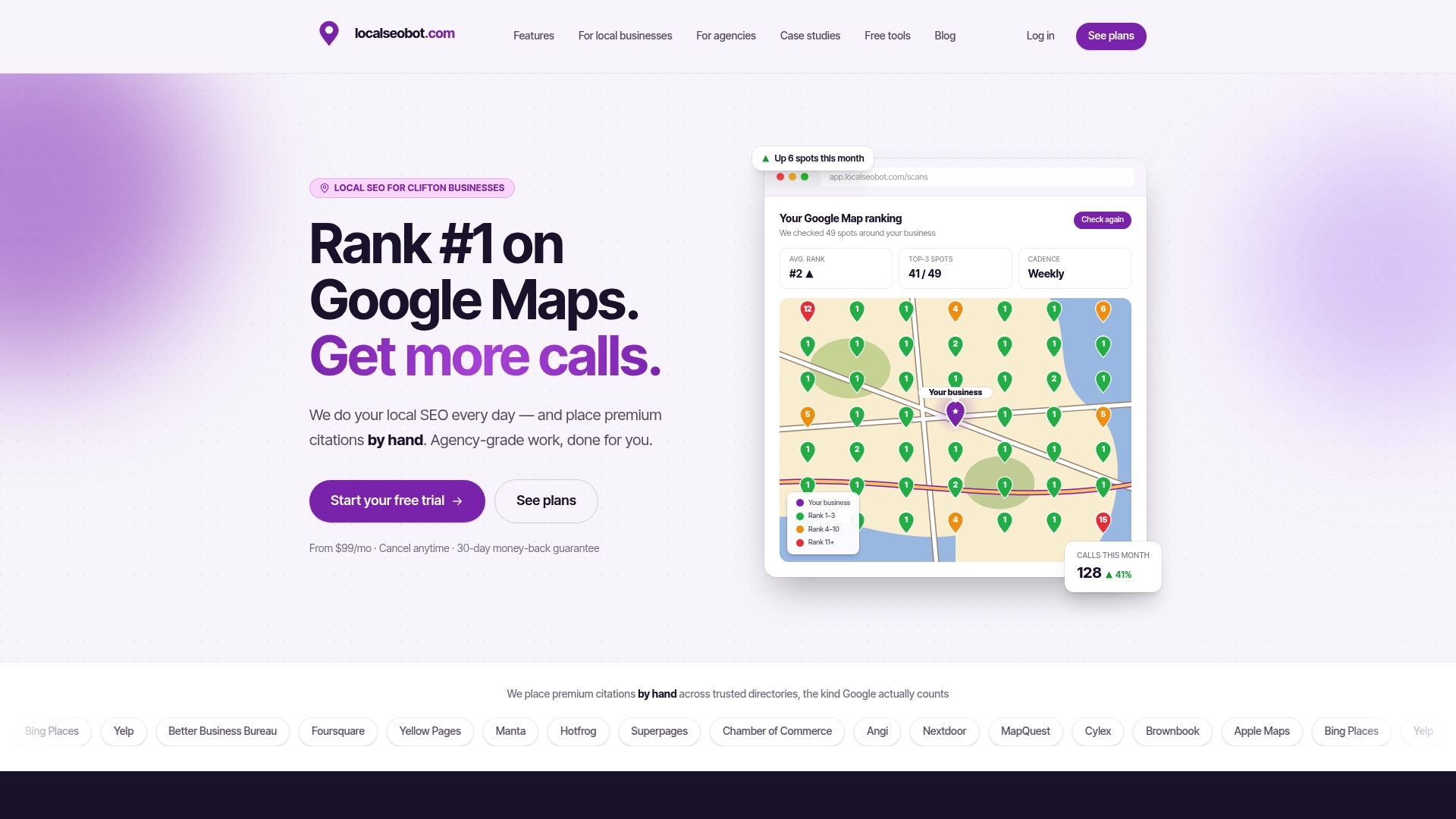
We also think modifiers should be judged by their results on the map, not by a spreadsheet. That is why we track rankings with geo-grid scans across your service area. You see where “plumber Mesa” wins, where it fades, and which neighborhoods need attention next.
Clients regularly report higher Google Maps rankings and more inbound calls. We are confident enough in the approach to offer a 30-day money-back guarantee if a business does not see a ranking increase.
Devyn H
How to measure whether your modifiers work
The test of a modifier is not whether it appears on your page. It is whether it brings the right people. Track four things.

1. Map position by location
A single “rank” number hides the truth, because Maps results change block by block. A geo-grid scan checks your position from many points around your service area and shows a heat map. Run one for each priority service and compare it month to month. Our Geo-Grid Rank Tracker does this, and the Google Maps Rank Tracker covers the keyword side.
2. Profile actions
In your Business Profile performance data, watch calls, direction requests, website clicks and the search terms that showed your listing. If the terms include your target cities and neighborhoods, the modifiers are doing their work.
3. Website queries
In Google Search Console, filter queries by city name or “near me.” Look for rising impressions and clicks on pages built for those terms. Falling impressions on a page often mean a competitor has covered the modifier better.
4. Real customer signals
Ask new customers how they found you, and record the answer. Count calls that mention a specific area. This is the number that pays the bills, and it keeps you honest when the dashboards look good.
A monthly rhythm works well for most small businesses: check the grid, check the profile data, adjust one or two pages or posts, repeat. Changes in local rankings take weeks to settle, so avoid swapping keywords after a few days.
A worked example
Take a fictional plumbing company in Austin, Texas, with a shop near South Congress. This is an illustration, not a client result.
- Core terms: “plumber,” “water heater repair,” “drain cleaning.”
- Modifiers chosen: Austin (city), South Congress and Zilker (neighborhoods), 78704 (ZIP code), and “near me” phrasing in headings.
- Website: a home page targeting “plumber Austin,” three service pages, and two neighborhood pages with real job photos and a customer comment each.
- Profile: real business name, a description naming the services and areas, service areas limited to cities actually covered, and a weekly post about a recent job in a named neighborhood.
- Tracking: a monthly grid scan for “plumber” and “water heater repair,” plus a look at which search terms triggered the profile.
After a few months, the owner can see which neighborhoods are strong and which are not. The next step is to add reviews and citations in the weak areas, not to rewrite every page.
Doing this on autopilot

If you would rather not manage keyword lists, profile fields, posts and reviews yourself, Local SEO Bot does that work for you. It optimizes your Google Business Profile, publishes posts, replies to reviews and tracks rankings across your service area with map grid scans. Our team builds premium citations by hand on high-authority directories.
The Foundation plan costs $99 per month per location and the Growth plan costs $199 per month per location, both on our pricing page. Every plan is backed by our 30-day money-back guarantee if you do not see a ranking increase.
If you want to see where you stand first, start with our Google Business Profile Audit. For a broader view of what we handle, see our local SEO services.
FAQ
What are city modifier keywords?
They are city names added to a service term, like “roofer Charlotte” or “Charlotte roofer.” They tell Google which area the searcher means. When a place is named, Google centers results on that place instead of the searcher’s physical location, as Search Engine Land explains.
Should I use “near me” in my content?
Use it only where it reads naturally, such as a heading like “Coffee shops near downtown” or in a FAQ answer. Searchers type it constantly, but Google works out proximity from the device, so you do not need to repeat it. Focus on clear service and place wording, and on a complete Business Profile.
How many city modifiers should one page target?
One primary city per page is a safe default, with a short list of nearby areas mentioned in the body where you truly serve them. If a place deserves more attention, give it its own page with unique content such as local jobs, photos and customer comments. Avoid copying one page and swapping the name.
Can I put my city in my Google Business Profile name?
Only if it is part of your real, public business name. Adding keywords or locations that you do not use in the real world is a common cause of suspensions. Put your city and services in the description, service areas and posts instead.
How long until modifiers affect my rankings?
Expect weeks, not days. Pages need to be crawled, profile edits need to be processed, and reviews and citations build over time. Check a geo-grid scan monthly and change one thing at a time so you know what worked.
Sources
- How to Find and Use Local Keywords for Better SEO (Search Engine Land)
- Understanding explicit vs. implicit searches (Search Engine Land)
- What Are Geo Modifiers? Local SEO and Geomarketing Guide (DigiMastreys)
- Are Relevance, Distance, and Prominence Google Ranking Factors? (Search Engine Journal)