How to Scale Location Pages Without Doorway Penalties
Published November 14, 2026
How to Scale Location Pages Without Doorway Penalties

You scale location pages by adding a page only when a real place or a real difference in service justifies it, then giving every page facts, proof and a next step that no other page has. Volume is not the goal. Each page has to be useful to a visitor who lands on it directly, and each one has to be maintained. We build Local SEO Bot to handle the Google Business Profile, review and ranking work that sits next to those pages, so the pages and the Maps listing tell the same story.
TL;DR
- Create a page only when the business genuinely serves the place and the place changes what a customer needs to know. Otherwise use one broader service-area page.
- Every page needs its own facts: address or service area, hours, services, team, photos, reviews and local FAQs.
- Link pages through a crawlable locations directory, with service pages and location pages pointing at each other.
- Pages that funnel visitors to one destination fall under Google’s doorway-abuse policy.
- Audit, consolidate and measure on a schedule. If you can’t keep the facts current, don’t add pages.
Table of Contents
- What a location page does that a Google Business Profile cannot
- When a separate page is justified
- Where doorway pages start
- What every location page needs
- Structure, linking and technical basics
- Publishing and maintaining at scale
- Where Local SEO Bot fits
- Our perspective
- FAQ
- Sources
What a location page does that a Google Business Profile cannot
A Google Business Profile (GBP) is your listing on Google Maps and in the local pack. It holds your name, address, hours, categories, photos and reviews. A location page is the page on your own site that a customer reaches when they want more than the listing shows: the services at that site, the team, directions, parking, pricing details and local proof.
The two work as a pair. The profile wins the map position. The page answers the follow-up questions and turns a visitor into a call or booking. When the facts on the two disagree, both suffer, so keep them consistent. If your profile needs work first, our Google Business Profile audit shows what to fix.
When a separate page is justified
A separate page is strongest when it represents a real staffed location with its own address, hours, directions, accessibility, services, staff and customer path, according to Search Engine Land’s multi-location guide. The same guide says to create a page for a city or service area when the location changes what a customer needs to know: different services, logistics, regulations, pricing, team or local proof.
A quick test before you build:
- Do you genuinely serve the place? A keyword tool listing a city-plus-service phrase is not a reason by itself. Countywide SEO’s guidance also asks whether the market is a priority, whether customer intent is distinct, and whether you have enough proof to justify maintaining the page.
- Does the customer experience differ? Different crew, quote process, travel time or rules point to a page. Identical everywhere points to one page.
- Can you show proof? Projects, photos and testimonials from that place.
- Can you keep it current? SEOTEC’s October 2026 guide treats page creation as an ongoing commitment and says that being unable to keep local facts current is a reason not to multiply pages.
Storefronts versus service-area businesses
A real physical location should generally have its own page that accurately represents it. A service-area business with no customer-facing address should not imply branches that don’t exist, per BrandVM’s multi-city blueprint. A plumber who dispatches from one shop is better served by one strong service-area page, plus extra pages only for areas with a genuinely different story. When the same team, service, quoting process and logistics apply across the whole area and local evidence is thin, SEOTEC’s guide says one broader page is usually preferable.
Home service owners can see how this plays out in our local SEO for home services page and our guide to scaling service area pages.

Where doorway pages start
Google’s spam policies define doorway abuse as creating pages for similar queries that lead users to less useful intermediate pages. Its examples include city or region pages that funnel users to a single destination, and substantially similar pages placed ahead of a clear, browseable hierarchy.
Google’s earlier explanation of doorway pages gives the reason: repeated results that lead to the same unsatisfying destination damage the search experience. Its advice is to make pages an integral part of the site’s user experience, not isolated pages made only to widen the search footprint.
The practical signs of a doorway risk:
- Pages that differ only by the city name swapped into a template.
- Pages whose main button sends everyone to the same contact form.
- Dozens of nearby suburbs with no staff, projects or logistics that differ.
- Pages that can’t be reached from a clear locations hierarchy.
If you publish at volume with AI tools, the same rule applies. Automation can draft and structure pages quickly, but the facts must come from your business. Tools for automated, structured content can speed up the drafting and technical side, and the local details still have to be yours.
What every location page needs
The Search Engine Land guide lists what makes a real-location page useful: address, hours, services, staff, directions, accessibility and what customers should expect, plus local proof such as projects, testimonials, photos and FAQs. It names useful differentiators: real neighborhoods, landmarks, parking, local team members, original photographs, services truly available there, local regulations and area-specific FAQs.

A page should also stand on its own for a direct visitor. SEOTEC’s guide says it must explain your relationship to the place, what is available and the next step, without forcing the visitor to leave for basic answers.
A template with fixed and variable parts
| Block | Same on every page | Unique to each page |
|---|---|---|
| Headline and intro | Structure | Place, team lead, what is different here |
| Contact | Layout | Address, local phone, hours, directions, parking |
| Services | Service names | Which services are offered here, local pricing or lead times |
| Proof | Review widget format | Reviews, photos and projects from this place |
| FAQ | Format | Questions locals ask: permits, weather, access |
| Call to action | Button style | Local booking or call path |
If the right-hand column is empty for a page, the page isn’t ready, and it may not deserve to exist. For worked layouts, see our two location page templates and city landing page examples.
Structure, linking and technical basics
Search Engine Land recommends separating jobs: service pages explain what you offer, while location pages explain where and how it is delivered. They should support each other, not repeat each other.
- Build a locations directory. One crawlable index page that links to every location page with descriptive anchor text, such as “Austin HVAC repair” rather than “click here.”
- Link both ways. Each location page links to the services available there. Each service page links back to the relevant locations.
- One authoritative URL per location. Avoid duplicates created by parameters or old paths.
- Keep business facts consistent across the page, your structured data and your listings. Name, address and phone should match your GBP. Our local citation services keep directory listings aligned with those details.
- Match structured data to the page. Markup should describe what visitors can see, not extra claims.
Publishing and maintaining at scale
The Search Engine Land guide advises inventorying existing pages and reviewing traffic, rankings, conversions, backlinks, internal links and indexing. If pages overlap, consolidate them, then monitor rankings, conversions and indexing afterward.
A routine that works for a small team:
- Quarterly: check that hours, phone numbers, staff and services are current on each page and each profile.
- After every job or visit: add a photo or project to the right location page where you can.
- Monthly: compare how each location performs in both the site and Maps.
- Twice a year: merge or remove pages that earn no traffic and have no unique content.
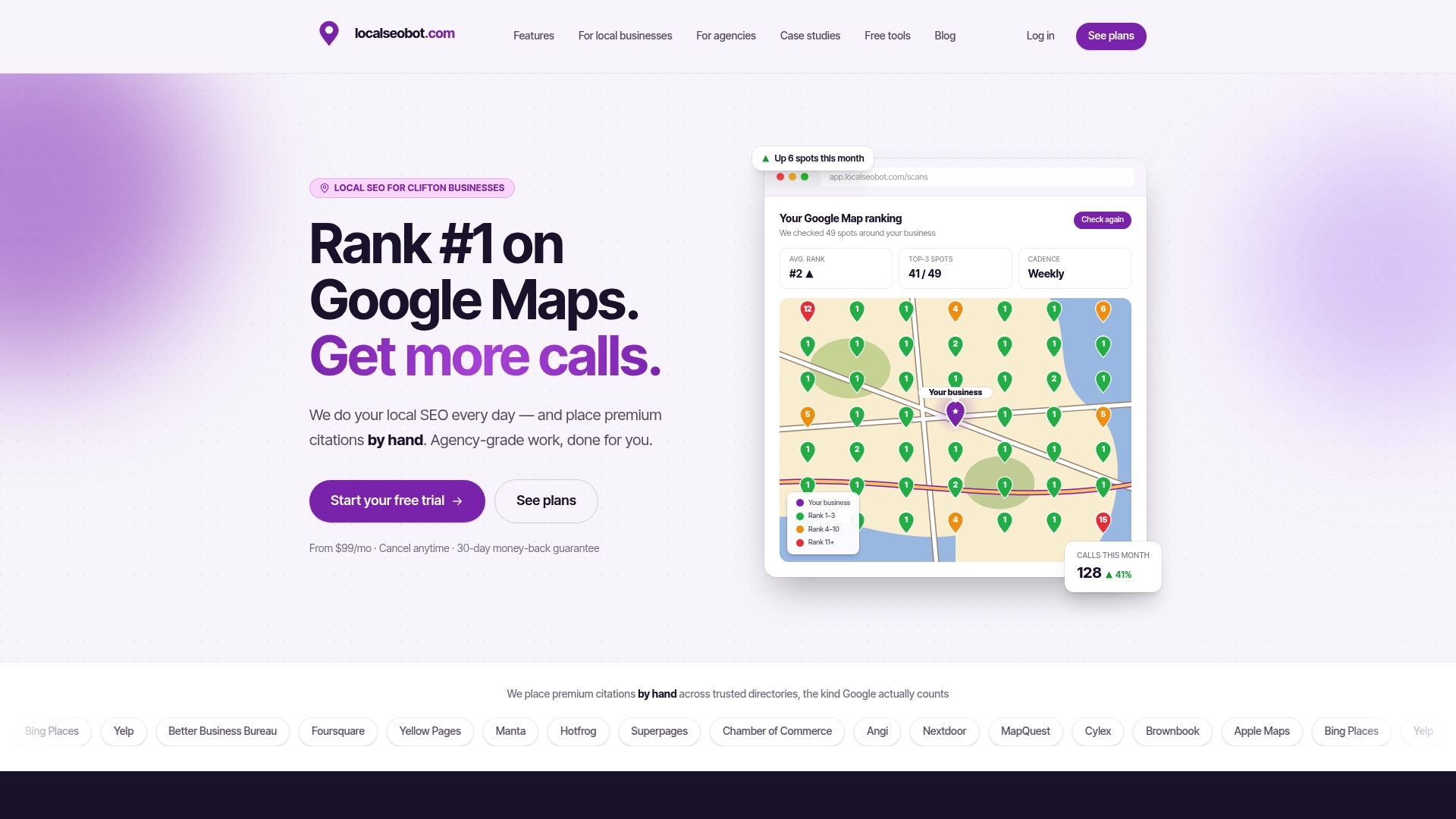
Maps results vary street by street, so a single ranking number hides the picture. Our Google Maps rank tracker runs grid scans across the service area to show where each location shows up and where it doesn’t. That tells you which areas deserve a page of their own and which are already covered.
Where Local SEO Bot fits
Location pages are only half of local visibility. The map position depends on the profile, its posts, its reviews and the citations around it. Local SEO Bot is an AI agent that does that work: it optimizes the Google Business Profile, publishes regular posts, tracks rankings with map grid scans and responds to reviews. A dedicated team builds premium citations by hand on high-authority directories.
Plans are billed per location: Foundation is $99 per month, Growth is $199 per month, and Pro is $399 per month for agencies. See Foundation and Growth pricing or the agency plans. We offer a 30-day money-back guarantee if a business doesn’t see a ranking increase.
Agencies running many client locations can use the white-label dashboard to manage them in one place.
Our perspective
Most location page advice stops at the page. In our experience of how local search is built, a page without a strong profile behind it rarely gets seen, and a profile without a useful page rarely converts.
We believe the right answer to scale is repeatable work, not repeatable text. Each location needs its own facts, its own reviews and its own signals, and that work has to happen every month, not once. That is why we designed Local SEO Bot to do the work itself instead of handing owners a report.
For a multi-location owner or an agency, the sensible order is simple: confirm the place deserves a page, fill it with real local proof, and let automation keep the profile, posts, reviews and rankings moving.
Devyn H
FAQ
How many location pages is too many?
There is no fixed number. The limit is how many pages you can fill with real, distinct, current information. If a page would only swap the city name, it is too many.
Can a service-area business have city pages?
Yes, when you genuinely serve the city and have local proof, such as projects, photos or testimonials. Don’t imply a branch or address you don’t have. Where nothing differs, one service-area page is the better choice.
Should I use the same content on every location page?
Share the structure, not the text. Layout, service names and button styles can repeat. Address, team, proof, FAQs and local details must differ, or Google may treat the pages as doorway pages.
How do I know if my location pages are working?
Track traffic, rankings, conversions and indexing for each page, and check Maps visibility by area. Consolidate pages that overlap or earn nothing, then watch the results again.
Sources
- Multi-location SEO: How to structure geographic pages (Search Engine Land)
- When Should a Business Build Service-and-Location Pages? (Countywide SEO)
- Location Pages for Local SEO: A Multi-City Blueprint (BrandVM)
- Service-Area & City Pages: When to Create One (SEOTEC)
- Spam Policies for Google Web Search (Google Search Central)
- An update on doorway pages (Google Search Central Blog)