Agency Review Management Process: A Step-by-Step Workflow
Published November 4, 2026
Agency Review Management Process: A Step-by-Step Workflow

An agency review management process is a repeatable workflow that covers six jobs for every client location: get access, monitor new reviews, ask for more, reply, report policy violations, and show the client what changed. Written down and run on a schedule, it keeps 20 locations as manageable as two. This guide lays out each step, the Google and FTC rules that shape it, and what to report to clients.
TL;DR
- Build the process around six steps: access and setup, monitoring, review requests, replies, fake review handling, and reporting.
- Ask for reviews with a Google link or QR code. Never trade discounts or free goods for reviews, and never push for a particular sentiment.
- Reply to every review with a short, professional answer that never exposes the reviewer’s private details.
- Report policy-violating reviews through Google’s Reviews Management Tool. If Google declines and you disagree, you get one appeal.
- Track review count, rating, response rate and response time per location, and tie them to Maps rankings and calls.
Table of Contents
- Why reviews deserve their own process
- Step 1: Set up access and a baseline
- Step 2: Monitor reviews across clients and platforms
- Step 3: Ask for reviews the compliant way
- Step 4: Reply to every review
- Step 5: Handle fake and policy-violating reviews
- Step 6: Report results clients understand
- How the process fits the rest of local SEO
- Perspective: why the process should run itself
- Put the process on autopilot
- FAQ
- Sources
Why reviews deserve their own process
Reviews are often the first thing a prospect sees. One HubSpot analysis reports that 82% of consumers read online reviews for local businesses, and that 9 in 10 people read reviews before visiting or buying. A client who ignores that is leaving the first impression to chance.
Reviews also feed visibility. Review quantity, recency and ratings are part of how local businesses compete in Google Maps, and we cover the mechanics in our guide to customer reviews for SEO. For a wider look at how reviews affect search results, see this piece on reviews and SEO success.
For an agency the problem is scale. Each client has different owners, tones, review volumes and sensitivities. Without a process, replies go out late, requests happen only when someone remembers, and clients ask what they are paying for. A process fixes all three.
Step 1: Set up access and a baseline
Before touching a review, get the foundations in place for each location.
- Request manager access to the client’s Google Business Profile from the owner’s account, so you never need their password.
- Confirm the profile details: name, address, phone, categories and hours. Reviews land on a profile, so a wrong or duplicate listing undermines everything else. A Google Business Profile audit is a quick way to find these issues.
- Record the baseline: total reviews, average rating, date of the latest review, how many reviews have no reply, and the same figures for the top three local competitors.
- Agree on reply rules with the client: who approves replies to negative reviews, what can be offered to unhappy customers, and who handles legal or safety complaints.
- List other review sources that matter in the client’s industry, such as Facebook or an industry directory, so monitoring covers them from day one.
The baseline matters most. Without it, you cannot show progress at the first monthly report.
Step 2: Monitor reviews across clients and platforms
Monitoring is where agencies lose time. Opening each profile by hand does not scale past a handful of locations.
A workable setup has three parts:
- One inbox for every location. New reviews, from any platform you track, arrive in one queue sorted by client and star rating.
- Alerts by severity. One- and two-star reviews trigger an immediate notice to the account manager. Four- and five-star reviews can wait for the daily batch.
- A naming and tagging convention. Tag each review by topic (staff, price, wait time, quality) so you can spot patterns, not just individual complaints.
Google has its own Reviews Management Tool for handling reviews inside Business Profile, and it is the place where reports and appeals happen. Automation helps with sorting and drafting, but a person should read anything negative before it is answered.
A simple service-level target
Pick a response-time target and put it in the client agreement. For example: positive reviews answered within two business days, negative reviews acknowledged within one. The exact numbers matter less than having them and measuring against them.
Step 3: Ask for reviews the compliant way
Most review growth comes from asking consistently. Google’s own guidance says businesses can ask customers to leave reviews, for example by sharing a link or QR code. The same page is clear that you must not offer free or discounted goods or services in exchange for posting, changing or removing a review. Google’s Maps content policy also bars soliciting content that does not reflect a genuine experience.

What the FTC rule adds
The FTC’s Consumer Review Rule is the US federal layer. A few points agencies should build into their templates:
- The FTC’s questions and answers on the rule say it does not prohibit incentives for reviews, as long as nothing expresses or implies that the review must take a particular sentiment. Google’s policy is stricter for Google reviews, so for Maps, skip incentives entirely.
- The same guidance says a business may ask family members to write reviews, but they must clearly disclose their relationship to the business. In practice, the safest route is not to ask relatives at all.
- The rule also targets review suppression. The FTC’s announcement of the final rule lists unfounded legal threats, physical threats, intimidation and certain false public accusations as ways of preventing or removing negative reviews.
- Enforcement is real. FTC staff sent warning letters to 10 companies on December 22, 2025, over possible violations of the rule.
For a plain-language walkthrough, our FTC review guidelines article covers what local businesses should do.
Request templates that work
Keep requests short, neutral and easy to act on:
- Send the request within a day of the job or visit, while the experience is fresh.
- Use the direct Google review link, ideally behind a QR code at the counter or on the invoice.
- Ask for honest feedback. Do not word it so only happy customers are encouraged, and do not filter out unhappy ones before they reach Google.
- Send one polite reminder at most.
A tool that sends requests automatically after each job takes this off the client’s plate and keeps the cadence steady. If you want to see what a realistic target looks like, the review score estimator gives a starting point.
Step 4: Reply to every review
Replies are public, so they are marketing copy as well as customer service. Google advises businesses to value all reviews and keep replies professional and polite, and not to share the reviewer’s private information (see Google’s review tips).
Positive reviews
- Thank the customer by first name and mention one specific detail from their review.
- Keep it to two or three sentences, and vary the wording so replies do not look copied.
- Where it fits, mention the service in natural language. Do not stuff keywords.
Negative reviews
Use the same four-part structure each time:
- Thank them and acknowledge the problem.
- Apologize for the experience without arguing the facts in public.
- Offer a direct way to resolve it, such as a phone number or email.
- Close politely. Do not repeat the complaint, name staff, or reveal details of the transaction.
Never threaten, accuse or pressure the reviewer to delete. Beyond being bad practice, it can fall into the conduct the FTC rule targets. Our negative review response guide has examples by situation.
Where AI helps and where people decide
AI drafting speeds up the routine 80% of replies. A human should approve replies to anything involving a refund, a health or safety claim, a legal threat or an allegation against a named person.

Step 5: Handle fake and policy-violating reviews
Not every bad review is a real customer. Spam, competitor attacks and off-topic content do appear, and you need a clear path for them.
- Check it first. Match the reviewer’s story to the client’s records: date, service, name if known. If it is a real customer with a legitimate complaint, reply instead of reporting.
- Report it. Per Google’s help page on reporting reviews, you can flag a suspected policy-violating review through the Reviews Management Tool by choosing a reason.
- Document it. Screenshot the review and note the date you reported it and the policy you cited.
- Appeal once, if warranted. If Google finds no violation and you disagree, the same page says you can submit a one-time appeal through the tool. Use it with new evidence, not the same argument.
- Reply publicly in the meantime. A calm reply stating that you cannot find a record of the visit protects the client while the report is pending.
A frequent client question is whether they can simply edit or remove a review. Only the reviewer can change their own review, and the business can only report it. See how that works in our guides on how to change reviews on Google and Google review edit.
Step 6: Report results clients understand
Clients do not want a screenshot of a dashboard. They want to know whether reviews are bringing in business. A one-page monthly report works well.
| Metric | What it tells the client | Where to get it |
|---|---|---|
| New reviews this month | Whether requests are working | Review inbox |
| Average rating (month and overall) | Reputation trend | Business Profile |
| Response rate | Whether every review is answered | Review inbox |
| Median response time | Whether you meet the agreed target | Review inbox |
| Negative review themes | Operational issues the owner can fix | Tags from Step 2 |
| Reports and appeals | Fake review actions and outcomes | Reviews Management Tool |
| Maps rankings across the service area | Visibility next to reviews | Grid scans |
| Calls and direction requests | Business impact | Business Profile insights |
The last two rows connect reviews to revenue. A Google Maps rank tracker with grid scans shows how a client ranks block by block across the service area, so you can compare ranking movement with review growth over the same months. Avoid promising that more reviews alone will lift rankings: they are one signal among several, including profile accuracy, relevance and proximity.
How the process fits the rest of local SEO
Review management does not stand alone. A profile with strong reviews but wrong categories or inconsistent listings leaves ranking potential on the table. Pair the review workflow with a profile optimization pass, regular posts and consistent business listings. Our local citation services page explains the listings side, and the Google Business Profile Optimizer covers the profile itself.
Perspective: why the process should run itself
We build Local SEO Bot on one belief: most tools hand an owner a report and leave the work to them. For reviews, that means an alert about a new one-star review that sits unanswered for a week.
Our approach is to do the work. The AI handles review replies and review generation on a steady schedule, while the rest of the local SEO routine, profile optimization, regular posts and map grid scans, runs alongside. Behind it, our team manually builds premium citations on high-authority directories, so reviews are not the only signal doing the heavy lifting.
For agencies, that is the point of white-label. You keep the client relationship and the strategy, and the repetitive monitoring, drafting and reporting stop eating your hours. We back it with a 30-day money-back guarantee if a business does not see a ranking increase, because we are confident in the method.
Devyn H
Put the process on autopilot
If you manage reviews for several locations, the steps above are the right ones, but running them by hand takes real time every week. Local SEO Bot handles review replies, review generation, Google Business Profile optimization and posting, and map grid scan tracking, with white-label options for agencies.
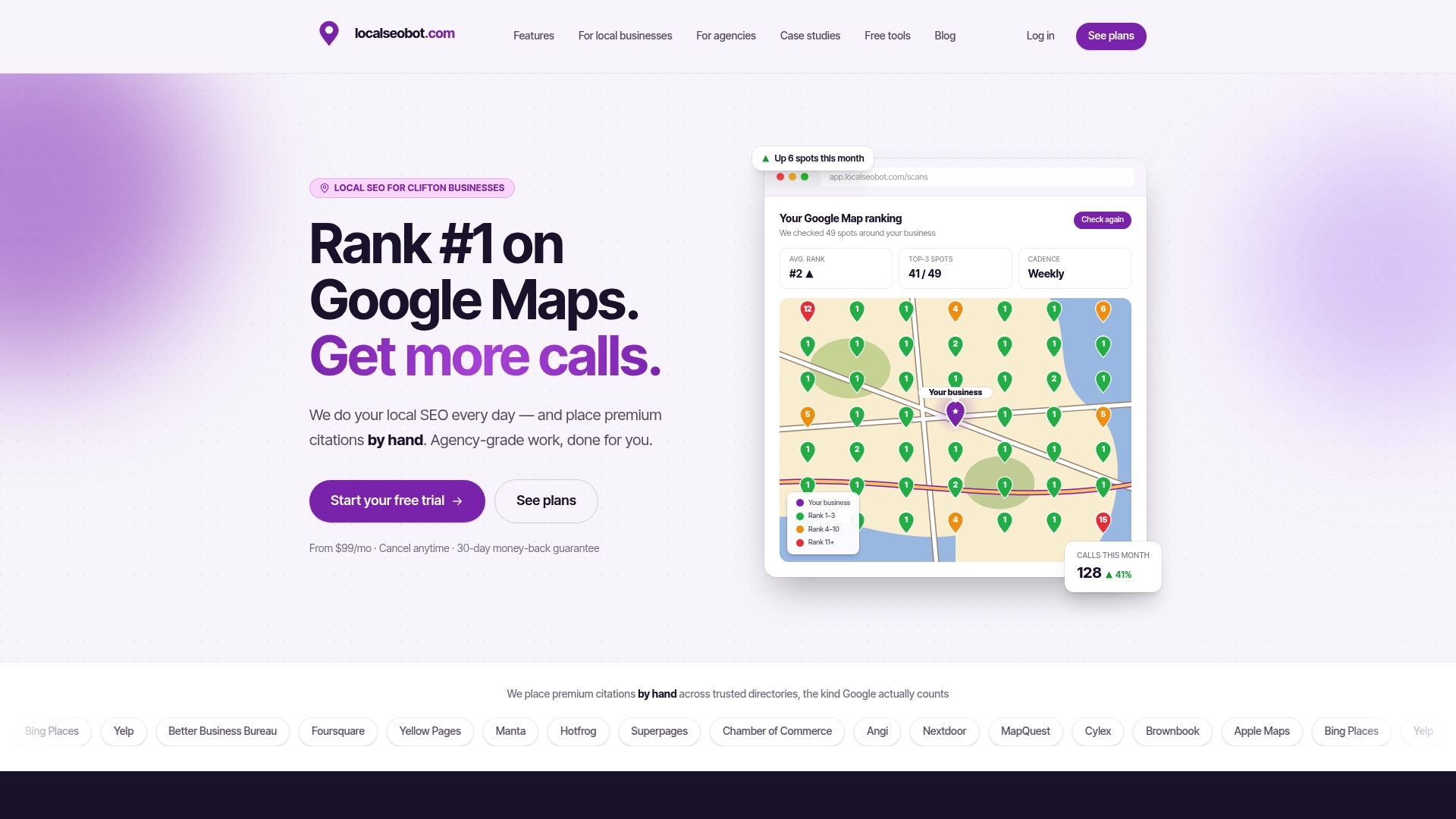
Single-business plans start at $99 per month per location for Foundation and $199 per month per location for Growth on the pricing page. The Pro plan is $399 per month per location, and agencies can see it on the agency pricing page. You can also look at our local SEO services for the full list of what is included.
FAQ
What does an agency review management process include?
It covers access and setup, monitoring across locations, compliant review requests, replies to every review, reporting of fake reviews, and a monthly report. Each step has an owner, a response-time target and a template, so results do not depend on who is on shift.
Can an agency ask clients’ customers for reviews?
Yes. Google allows businesses to ask customers for reviews, for instance with a link or QR code. You must not offer free or discounted goods or services in exchange for a review, and you must not steer customers toward positive wording.
How do you get a fake Google review removed?
Report it in Google’s Reviews Management Tool and select the reason that fits. If Google finds no violation and you disagree, you can submit a one-time appeal through the tool. Keep screenshots and dates in case you need to explain the case to the client.
What is the difference between review management and online reputation management?
Review management is the day-to-day work of collecting, answering and reporting on reviews. Online reputation management is broader and also covers press mentions, social media and search results about the brand. Review management is usually the largest piece for a local business.
Sources
- What is Review Management? (HubSpot)
- Tips to get more reviews, Google Business Profile Help
- Report inappropriate reviews on your Business Profile, Google Business Profile Help
- Prohibited and restricted content, Google Maps User Generated Content Policy
- The Consumer Reviews and Testimonials Rule: Questions and Answers, FTC
- FTC Announces Final Rule Banning Fake Reviews and Testimonials
- FTC Warns 10 Companies About Possible Violations of the Consumer Review Rule
- Online Reviews: Impact on Ecommerce SEO Success